
Get in Touch
Your Trusted Manufacturer of Laptops & Tablets

WhatsApp Us Directly
+86 13923410269
Email Us
Get in Touch
Your Trusted Manufacturer of Laptops & Tablets

Worldwide Manufacturer & Supplier of Portable Monitors, Kids Tablets & Educational Laptops | OEM/ODM Solutions
Custom Manufacturing & Distribution for Brands, Distributors & B2B Clients
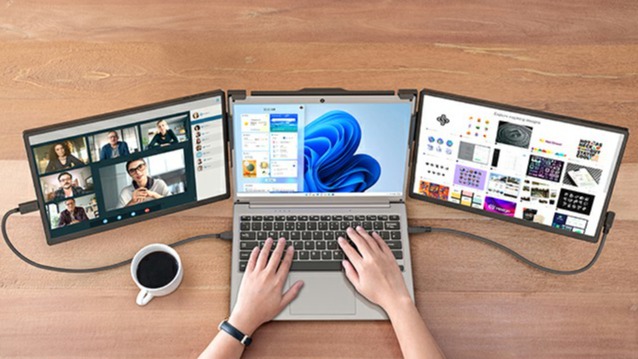
How to Use a Portable Monitor: From Setup to Color Calibration
A step-by-step guide to connecting your portable monitor to a laptop, phone, Switch, and more. Covers full platform support including Windows, macOS, iPadOS, and Android, along with resolution settings, color management, and troubleshooting for common issues like black screen, no signal, and charging failures.
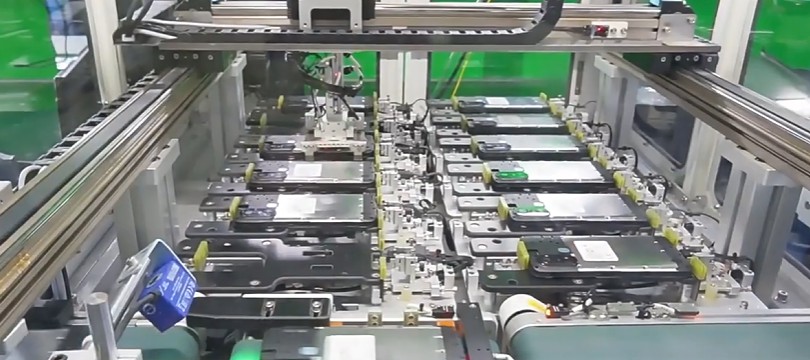
2026 List: Top 5 Android Tablet OEM Manufacturers in China
Looking for reliable Android tablet OEM manufacturers in China? We reviewed 32 factories & selected top 5 for education, medical, industrial & commercial tablets. Includes MOQ, capabilities & client cases. Updated for 2026.
5 Tablet Manufacturers Specializing in High-Fidelity OEM Customization (2026 Verified List)
Curated list of five globally vetted tablet manufacturers offering turnkey customization — verified for ISO 13485/9001, in-house R&D labs, multi-OS support (Android 14+, Windows IoT), and experience shipping >500K units/year.
OEM vs ODM Tablet Manufacturer: How to Select for Your Brand
Not sure whether you need an OEM or ODM partner? This step-by-step process helps you define your needs, find the right-fit manufacturer, and navigate from initial screening to contract signing, ensuring a successful partnership for startups to mature brands.
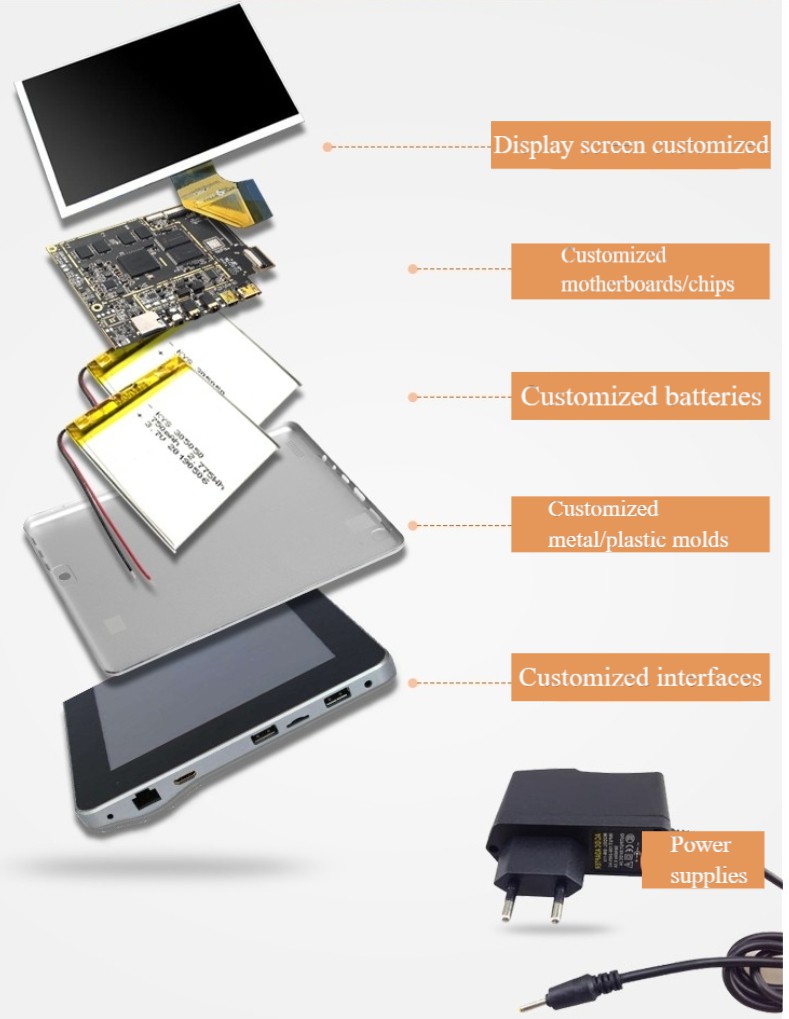
Tablet Customization Services: OEM vs ODM vs Full Custom Explained
Looking for tablet customization? Understand the key differences between OEM (white-label), ODM (modified), and full custom solutions. This guide breaks down the 6 core service modules, process timelines, and how to choose the right manufacturer for your business needs.
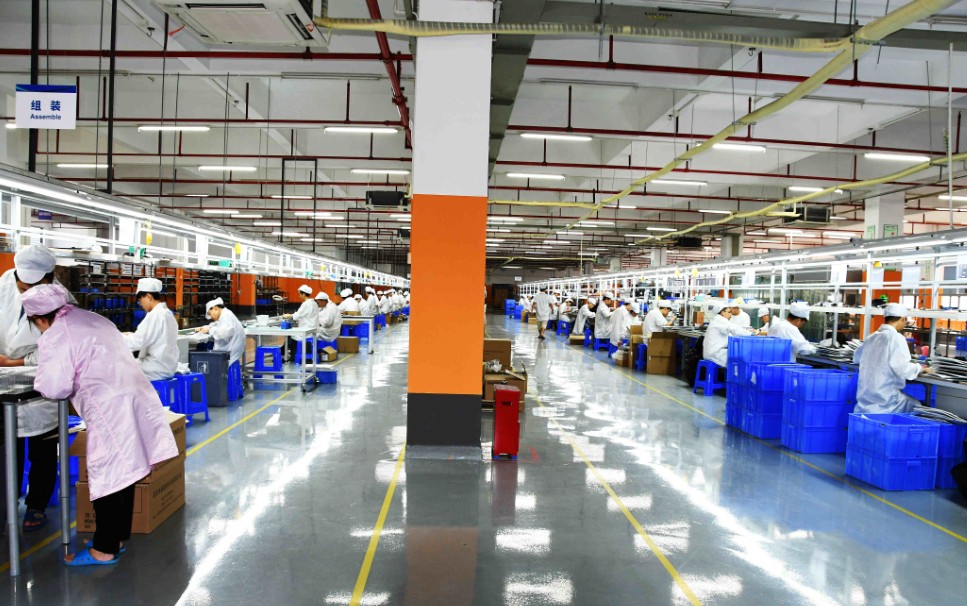
What is OEM Manufacturing? A Clear Definition & Real-World Examples
Confused by the term "OEM"? Learn the true meaning of Original Equipment Manufacturing (OEM) with simple explanations, key differences from ODM/OBM, and real examples like Apple and Foxconn. Discover the full process and strategic benefits.

How Long Does It Take to Develop a Custom Learning Tablet? (A Realistic Timeline)
This article clearly breaks down the production process of a custom educational tablet, explaining it phase by phase. We'll detail the typical 3-6 month development cycle, key factors causing delays, and practical tips for efficiently managing projects from definition to delivery.

Who is the Biggest Laptop Manufacturer in China?
Is it Lenovo, Quanta, or Huawei? Discover who really makes the world's laptops as we break down China's massive manufacturing ecosystem, from global brands to hidden ODM giants.
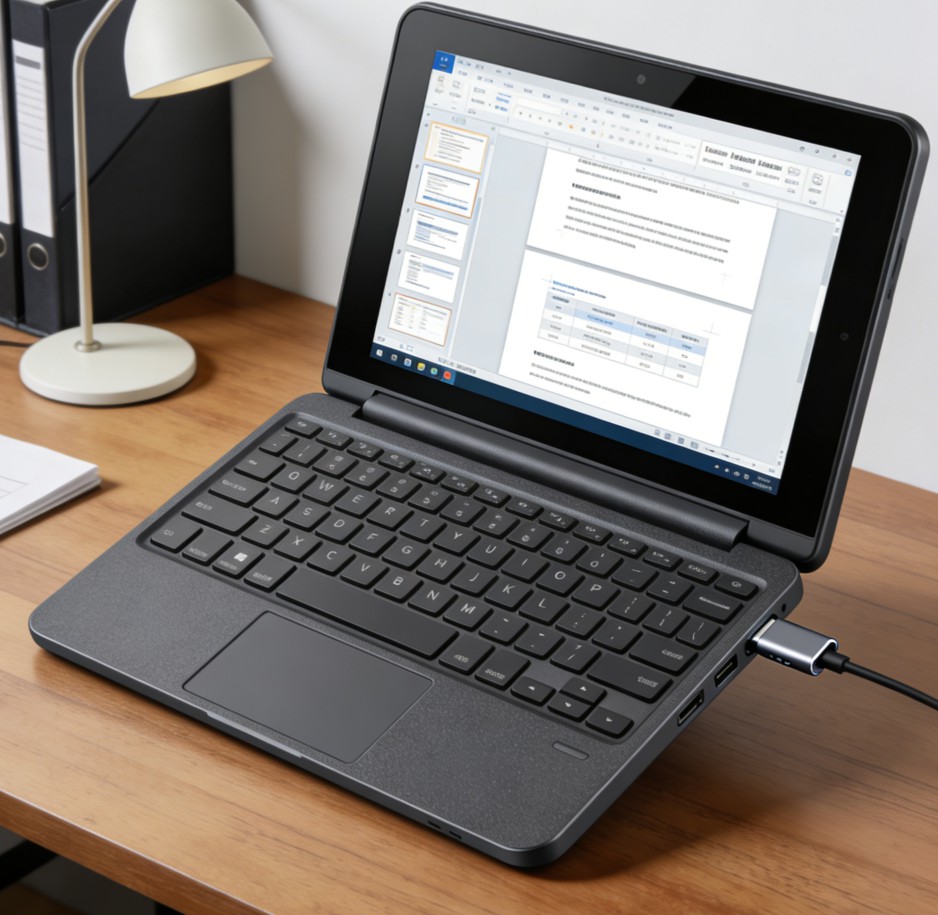
Top 8-inch Mini Laptops of 2025 and Their Manufacturer Guide
Discover the best 8-inch mini laptops for ultimate portability. Our 2025 guide covers top picks like the GPD Pocket 3, key buying factors, and how to find OEM/ODM manufacturers for custom solutions.
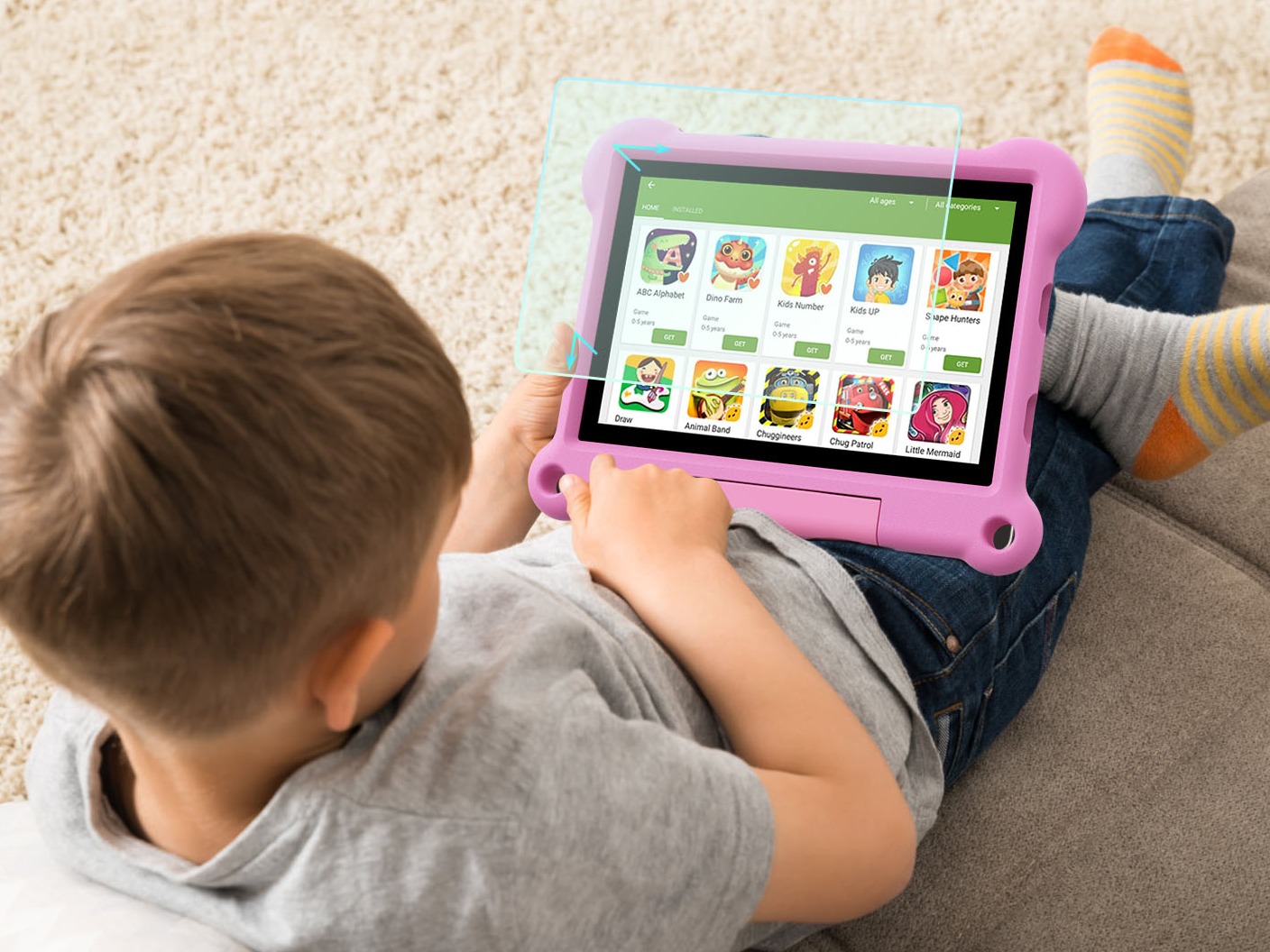
Best learning tablet for 7 10 year olds: A 2026 Buyer's Guide
Searching for the best learning tablet for your 7-10 year old? Our comprehensive guide covers health features, parental controls, educational content, and reviews top models to help you choose the perfect study companion.
.
Adreamer

© 2012-2025 Copyright Shenzhen Adreamer Technology Co., Ltd.粤ICP备18115621号-2
Contact Adreamer Today for Your Custom Solution & Quote!
© 2012-2025 Copyright Shenzhen Adreamer Technology Co., Ltd.粤ICP备18115621号-2


