
Get in Touch
Your Trusted Manufacturer of Laptops & Tablets

WhatsApp Us Directly
+86 13923410269
Email Us
Get in Touch
Your Trusted Manufacturer of Laptops & Tablets

In sectors such as smart manufacturing, energy and chemical engineering, specialty vehicles, and military aerospace, industrial tablet PCs are not consumer products—they are production tools. They must endure: cold storage at -20°C, workshops at 60°C, constant vibration, pervasive dust and oil, and the demanding requirement of 24/7 uninterrupted operation.
A standard commercial tablet would likely fail in such environments within three months. A truly qualified industrial tablet, however, is engineered as an industrial-grade device designed to operate stably for 5 to 7 years.
So, what are the core essentials of OEM customization for industrial-grade tablet PCs? Behind the three key concepts—wide-temperature tolerance, rugged design, and long lifecycle—lies a comprehensive engineering effort encompassing materials, structure, component selection, and supply chain management.
Industrial environments are far more complex than office settings: tools dropping onto the screen, forklifts jostling causing slips, workers accidentally knocking the device over. Standard plastic casings cannot withstand such impacts. The housing design for industrial tablets must prioritize impact resistance, vibration resistance, and corrosion resistance from the material selection stage onward.
| Material | Advantages | Disadvantages | Suitable Scenarios |
|---|---|---|---|
| Magnesium-Aluminum Alloy | High strength (30% higher than aluminum), lightweight, good heat dissipation, excellent EMC shielding | Higher cost, complex molding process | In-vehicle, outdoor, high-end industrial |
| PC+ABS Engineering Plastic | Low cost, lightweight, good insulation, fast molding | Moderate strength, poor heat dissipation, prone to aging | General indoor environments |
| Stainless Steel | Extremely high strength, corrosion-resistant | Heavy, difficult to process | Special harsh environments (marine, chemical) |
Customization Practices:
Common protection levels for industrial tablets range from IP65 to IP68. Achieving these requires design considerations from the outset:
| Design Feature | Implementation Method | Purpose |
|---|---|---|
| Sealing Gaskets | Silicone sealing gaskets at housing joints | Prevents water and dust ingress through seams |
| Waterproof Breathable Membrane | Applied over speakers and microphones | Balances internal and external pressure while keeping water out |
| Port Protective Covers | Silicone covers for USB-C, USB, serial ports | Prevents water damage and corrosion at ports |
| Fully Laminated Screen | Full lamination between screen and touch panel, eliminating air gap | Prevents fogging and condensation |
Test Verification:
Standard consumer-grade components typically have an operating temperature range of 0°C to 70°C. However, industrial tablets need to start up in environments as cold as -20°C (or even -40°C) and operate under full load in ambient temperatures of 60°C to 70°C.
Wide-Temperature Requirements for Key Components
| Component | Consumer Grade | Industrial Grade | Military Grade |
|---|---|---|---|
| CPU | 0°C to 70°C | -20°C to 70°C | -40°C to 85°C |
| RAM | 0°C to 70°C | -20°C to 85°C | -40°C to 95°C |
| Storage (SSD) | 0°C to 70°C | -20°C to 75°C | -40°C to 85°C |
| Capacitors | 0°C to 70°C | -40°C to 105°C | -55°C to 125°C |
| Battery | 0°C to 45°C (charging) | -20°C to 60°C (operation) | -40°C to 70°C |
Customization Practices:
Below -20°C, lithium battery discharge capacity drops sharply, potentially preventing startup. The solution is battery low-temperature heating:
Industrial tablets often use fanless designs (passive cooling), which impose higher demands on thermal management:
Testing Standard: Under a 60°C ambient temperature, the CPU must operate at full load for 4 hours without throttling or crashing.
A production line or vehicle system typically has a design life of 5 to 10 years. If core components (CPU, RAM, screen) are discontinued after 2-3 years, it creates challenges for repair and upgrades.
An industrial tablet OEM manufacturer must establish a comprehensive material substitution mechanism.
| Tier | Strategy | Description |
|---|---|---|
| Tier 1 Substitution | Same Model Stockpiling | Maintain a 3-5 year inventory buffer for critical components (CPU, main controller). |
| Tier 2 Substitution | Same Specification Replacement | If the main controller is discontinued, select a replacement model with identical specifications and packaging. |
| Tier 3 Substitution | Platform Migration | When the main controller platform is upgraded, offer a hardware-compatible alternative solution. |
Customization Practices:
| Commitment Item | Standard | Description |
|---|---|---|
| Product Lifecycle | ≥5 years | Same model continuously available for at least 5 years. |
| Spare Parts Supply | ≥5 years after EOL | Critical spare parts like screens, batteries, motherboards. |
| Technical Support | ≥7 years | Firmware updates, issue resolution. |
Manufacturer Selection Tip: Clearly stipulate lifecycle commitments and spare parts supply duration in the contract to avoid future supply disruption risks.
Industrial sites use a wide variety of equipment interfaces. The 1-2 USB-C ports on a standard tablet are insufficient:
| Interface Type | Application Scenario | Customization Method |
|---|---|---|
| RS232 Serial Port | Connecting legacy PLCs, instruments | Integrate SP3232 chip on motherboard, route to DB9 connector |
| RS485 | Industrial bus communication (Modbus) | Integrate SP3485 chip on motherboard, terminal block or DB9 |
| CAN Bus | AGVs, construction machinery, automotive electronics | Integrate CAN controller on motherboard, DB9 or terminal block |
| Gigabit Ethernet | Industrial cameras, high-speed data transfer | Integrate network card chip on motherboard, RJ45 connector |
| GPIO | Switch control, button input | Reserve I/O pins on motherboard, configurable for input/output |
| USB 3.0 | Connecting USB drives, barcode scanners | Standard interface, quantity can be increased |
| HDMI Input | Capturing video from external devices | Add HDMI capture chip |
a. Motherboard Layout Optimization: Adding interfaces increases motherboard area, requiring a new PCB layout. Critical signals (e.g., RS485 differential pairs) need impedance control.
b. Structural Coordination: Interface positions must align with housing cutouts, and waterproof covers are required for IP65+ ratings.
c. ESD Protection: Industrial interfaces are susceptible to electrostatic discharge; protective components like TVS diodes and common-mode chokes are necessary.
d. Functional Module Integration: Beyond interfaces, industrial tablets can integrate various functional modules:
Customization Timeline: Adding interfaces or functional modules typically requires 2-4 weeks for design and prototyping.
① Requirements Confirmation (1-2 weeks)
Define the operating environment (indoor/outdoor, temperature range, protection level).
Finalize the interface list and functional modules.
Confirm lifecycle requirements (5 years / 7 years).
② Solution Design (2-3 weeks)
Hardware selection (CPU, RAM, storage, interface chips).
Structural design (housing, waterproofing, thermal management).
Deliver the Product Specification Sheet and quotation.
③ Prototype Development (4-6 weeks)
Schematic design, PCB layout.
Structural tooling (6-8 weeks if new molds are required).
Engineering prototype assembly and functional testing.
④ Environmental Testing (2-3 weeks)
High/low temperature testing (-20°C to 70°C).
IP rating testing (IP65/IP67).
Vibration/drop testing.
⑤ Pilot Run & Mass Production (3-4 weeks)
Small-batch pilot production (100-500 units).
Validate production line processes.
Mass production and delivery.
| Evaluation Dimension | Key Assessment Points |
|---|---|
| Structural Design Capability | Experience with magnesium-aluminum alloy die-casting? In-house mold capabilities? |
| Wide-Temperature Design Experience | Past projects involving wide-temperature requirements? Available test data? |
| Material Substitution Mechanism | Safety stock of critical components? Documented alternative solutions? |
| Interface Customization Capability | Support for RS232/485/CAN and other industrial interfaces? |
| Testing Equipment | Availability of temperature chambers, water ingress testers, drop testers? |
| Lifecycle Commitment | Stated product lifecycle length? Spare parts supply duration after EOL? |
OEM customization for industrial-grade tablet PCs is not simply about changing the case or adding a few ports. It requires a holistic approach centered around the core challenge of 'harsh environments'—encompassing material selection, structural design, component sourcing, test validation, and supply chain management.
Industry-Specific Solutions
Latest Blog
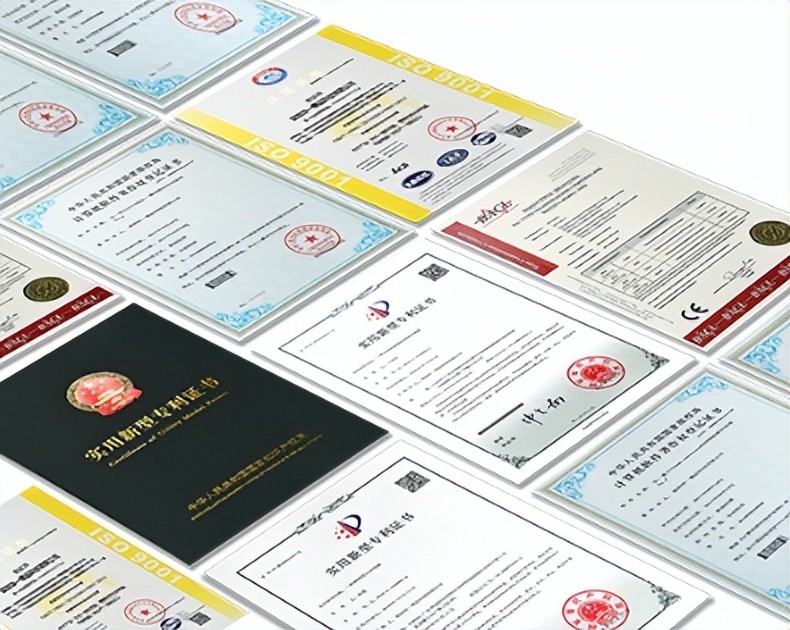
AI Compute Box Bulk Procurement: 3C, CE, FCC Certification Guide
Learn the key certification requirements for bulk buying AI compute boxes. Covers 3C, CE, FCC compliance, common pitfalls, and how to verify certificates to avoid legal risks.

RK3588 vs N100: Which Is Better for Local LLM Deployment?
Compare RK3588 and N100 for running local LLMs. See real-world token speeds, power, memory, software support, and which chip fits your AI workload.

Edge AI Box vs Cloud Server:Which Is Cheaper Long-Term?
A detailed TCO comparison of edge AI boxes and cloud servers. Covers hardware, bandwidth, power, and O&M costs, with break-even analysis and a decision checklist.
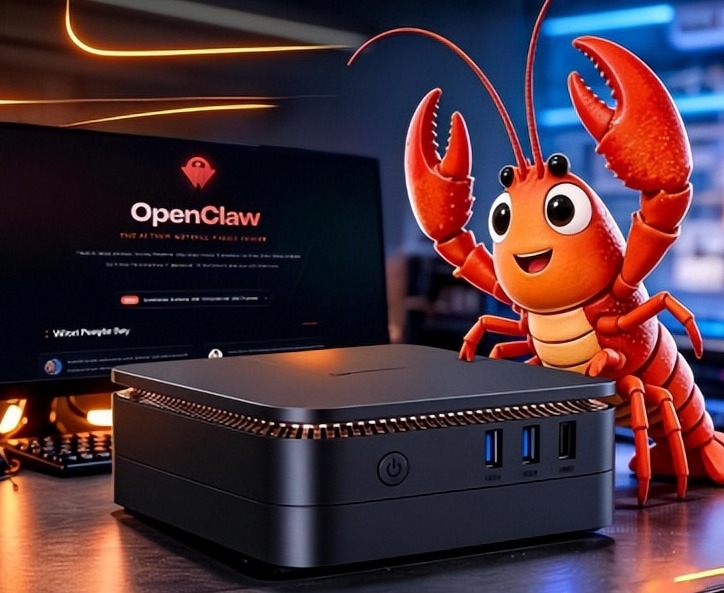
What AI Mini PC Do You Need for Private Local LLM Deployment?
Learn what AI mini PC specs you need for private deployment of local LLMs: memory, NPU, storage, offline capability, and configuration recommendations for 7B–70B models.
Adreamer

© 2012-2025 Copyright Shenzhen Adreamer Technology Co., Ltd.粤ICP备18115621号-2
Contact Adreamer Today for Your Custom Solution & Quote!
© 2012-2025 Copyright Shenzhen Adreamer Technology Co., Ltd.粤ICP备18115621号-2













