
Get in Touch
Your Trusted Manufacturer of Laptops & Tablets

WhatsApp Us Directly
+86 13923410269
Email Us
Get in Touch
Your Trusted Manufacturer of Laptops & Tablets

Remember the first-generation portable monitors from five years ago? Low resolution, low brightness, narrow color gamut—they could barely function as a 'second screen.' Fast forward to 2026, and portable monitors are undergoing an unprecedented technological revolution.
Mini-LED backlight technology now pushes portable screen brightness beyond 1000 nits, making them perfectly visible under direct sunlight outdoors.
Hardware HDR10 support, combined with wide DCI-P3 color gamut coverage, brings cinema-grade picture quality to mobile work and content creation.
144Hz high refresh rates, once exclusive to esports monitors, now deliver buttery-smooth experiences for gamers on the go.
These technologies are no longer reserved for high-end TVs and gaming displays—they're rapidly making their way into the portable monitor market. According to industry research data, in Q1 2026, shipments of portable monitors featuring Mini-LED backlights surged 320% year-over-year, models with hardware HDR10 support grew 280%, and those with 120Hz+ refresh rates increased 200%. This technological upgrade is redefining the very concept of the 'mobile visual experience.'
Mini-LED represents a revolutionary advancement in backlight technology for LCD panels. It shrinks traditional LED backlight beads to the micron level (typically 100-200 micrometers), allowing thousands of individual LEDs to be packed into the same-sized backlight layer.
How It Works:
Traditional portable monitors typically max out at 300-400 nits of brightness, making them nearly impossible to read outdoors in sunlight. Mini-LED technology easily achieves full-screen brightness of 600 nits or more, with peak brightness surpassing 1000 nits.
Real-World Test Data:
Although Mini-LED is still fundamentally an LCD technology, its precise zone dimming capabilities allow it to achieve contrast ratios approaching those of OLED displays. When displaying a star in the night sky, Mini-LED can dim the zones surrounding the star, resulting in purer, deeper blacks.
Compared to OLED, Mini-LED suffers from no organic material degradation. It can display static interfaces (like a taskbar) for extended periods without any risk of burn-in. This is particularly crucial for portable monitors frequently used in office scenarios.
The quality of a Mini-LED experience hinges on the number of dimming zones:
| Tier | Zone Count | Performance | Typical Product |
|---|---|---|---|
| Entry-Level | 100-300 | Noticeable halos/blooming; more 'zone-lit' than true local dimming | $250-$350 USD portable monitors |
| Advanced | 500-1000 | Halo effect controllable; significant HDR improvement | $400-$550 USD |
| Flagship | 1000+ | Approaches OLED quality; stunning HDR performance | $700+ USD |
Buying Advice: If your budget allows, prioritize models with 500+ dimming zones. 'Mini-LED' monitors with only 100-300 zones are often marketing hype, offering limited real-world improvement.
Real-World Experience Gains
2. HDR10 Explained
HDR (High Dynamic Range), compared to traditional SDR (Standard Dynamic Range), can simultaneously render much brighter bright areas and much darker dark areas, creating an image far closer to what the human eye perceives in real life.
HDR10 is the most widespread HDR format currently. Its requirements include:
Many budget portable monitors claim 'HDR support,' but in reality, they only offer software decoding—they can play an HDR video file, but the screen itself lacks the necessary brightness and color gamut, often resulting in a picture worse than standard SDR.
True hardware HDR10 requires:
DCI-P3 is the standard color space for digital cinema projection. It is approximately 25% wider than the traditional sRGB, offering significantly richer greens and reds.
Color Gamut Coverage Levels:
For average users, 90% DCI-P3 coverage provides a noticeable visual upgrade. For professional designers, 95%+ Adobe RGB is often essential.
| Tier | Brightness | Color Gamut | HDR Support | Price Range (USD) |
|---|---|---|---|---|
| Entry Office | 300-400 nits | 100% sRGB | Software HDR | $150 - $220 |
| Media & Entertainment | 500-600 nits | 90% DCI-P3 | HDR10 Certified | $280 - $420 |
| Professional Creation | 600-800 nits | 95% Adobe RGB | HDR10/HLG | $500 - $700 |
| Flagship HDR | 1000+ nits | 95%+ DCI-P3 | HDR10+/Dolby Vision | $700+ |
Scenario 1: Streaming Binge-Watching
Netflix and Disney+ are filled with HDR content. Watching shows like The Mandalorian on a hardware HDR10 portable monitor reveals rich shadow detail without harsh, glaring highlights.
Scenario 2: Photo Post-Processing
Photographers shooting in Raw format can use a wide-gamut portable monitor for on-site color grading, ensuring color accuracy without waiting to return to the studio.
Scenario 3: Design Portfolio Presentation
Graphic designers can present work directly to clients on a wide-gamut portable monitor, with colors closely matching print output, instantly boosting professional credibility.
Traditional monitors run at 60Hz, refreshing the image 60 times per second. High refresh rates (90Hz, 120Hz, 144Hz) refresh the image more frequently, delivering:
Once exclusive to esports monitors, high refresh rates have rapidly penetrated the portable monitor market between 2024 and 2026 as panel costs have decreased.
Refresh Rate Levels:
① Gaming Scenarios
② Daily Use
Even without gaming, the smoothness of scrolling and navigation on a high-refresh screen significantly enhances the user experience. It's one of those upgrades that's hard to go back from.
③ Power Consumption Considerations
Higher refresh rates increase power draw. Running a 144Hz panel at full speed can potentially double a portable monitor's power consumption from around 5W to over 10W, noticeably impacting power bank battery life.
Solutions:
Adaptive Sync (VRR): Look for monitors with Variable Refresh Rate, which automatically lowers the refresh rate for static content to save power.
Manual Switching: Some monitors allow manual switching between modes (e.g., 60Hz for office work, 144Hz for gaming).
Scenario 1: PC Handheld Gamer
Connecting an ROG Ally to a 144Hz portable monitor to play Cyberpunk 2077. With FSR enabled, frame rates can approach 100fps, resulting in a far smoother and more enjoyable experience than the Ally's built-in screen.
Scenario 2: Racing Games
Racing at high speed in Forza Horizon 5, a 144Hz screen allows you to clearly read road signs and anticipate turns, while a 60Hz screen exhibits noticeable blur.
Scenario 3: Daily Office Tasks
Scrolling through long documents or web pages on a 144Hz screen eliminates any sense of 'stickiness' or lag, making interactions feel incredibly responsive and direct.
While each technology offers individual benefits, the real revolution lies in their synergy.
Needs: Accurate color, sufficient brightness, high contrast.
Synergy Effect:
Mini-LED delivers 1000-nit brightness, bringing HDR highlights to life.
Wide Color Gamut (DCI-P3/Adobe RGB) ensures color fidelity.
High Refresh Rate (while not critical) makes the interface feel more responsive.
Experience Upgrade: Photographers and videographers can complete up to 90% of their post-production work on location, without waiting to return to the studio.
Needs: High brightness, high contrast, low latency, fluid motion.
Synergy Effect:
Mini-LED makes explosions, fire, and other visual effects truly spectacular.
HDR10 reveals shadow details, allowing you to spot enemies hiding in darkness.
144Hz eliminates motion blur during fast turns, enabling more precise aiming.
Experience Upgrade: The portable monitor is no longer a 'makeshift' solution but a legitimate piece of mobile gaming gear capable of replacing a desktop esports monitor.
Needs: High brightness, high contrast, rich colors.
Synergy Effect:
Experience Upgrade: Enjoy a cinema-grade viewing experience from your hotel room, no longer settling for a small laptop screen.
BOE (Beijing Orient Electronics):
2026 Focus: Promoting 'α-Mini LED' technology, upgrading zone counts from 500 towards 2000.
Goal: Reduce Mini-LED costs by 30%, making it accessible in the $250-$350 USD market segment.
CSOT (China Star Optoelectronics Technology):
Focus: High refresh rate + Mini-LED integration. Has mass-produced 17.3-inch 240Hz Mini-LED portable monitor panels.
Technical Priority: Reducing power consumption and managing heat generation associated with high refresh rates.
AUO (AU Optronics):
Focus: Professional creation market. Offers 100% Adobe RGB coverage with hardware calibration solutions.
Collaboration: Partners with portable monitor brands to develop 'mobile color grading suite' concept products.
JDI (Japan Display Inc.):
Focus: Low-power, high-refresh-rate displays. Developed 'eLEAP' technology, reducing power consumption by 40% at equivalent brightness.
Realtek:
Novatek:
MStar (now part of MediaTek):
| Brand | Mini-LED | HDR10 | High Refresh | Target Market |
|---|---|---|---|---|
| Adreamer | Launching 500-zone, 1000-nit models in 2026 | Standard across lineup | 144Hz flagship | Professional Creation + Gaming |
| Leading Brand A | Co-developing 2000-zone flagship with BOE | Dolby Vision certified | 240Hz | Esports |
| Leading Brand B | Not yet adopted, focusing on high gamut | Software HDR10 | 120Hz | Office + Media |
Pure Office User
Media Enthusiast
PC Gamer
Professional Creator
Pitfall 1: Fake HDR
Pitfall 2: Low-Zone Mini-LED
Pitfall 3: High Refresh Rate Without VRR
Pitfall 4: Ignoring Interface Bandwidth
In 2026, the portable monitor is evolving from a 'mobile office accessory' into a true 'professional visual terminal.' Mini-LED makes outdoor usability a reality, HDR10 packs cinema-grade visuals into your backpack, and 144Hz high refresh rates inject soul into mobile gaming.
For consumers, this means office workers can work efficiently in any lighting condition, creators can perform professional color grading on location, and gamers can enjoy a fluid, immersive experience anytime, anywhere.
For the industry, this signals a market segmentation: low-end competes on price, mid-range on specifications, and high-end on true technological integration.
Industry-Specific Solutions
Latest Blog
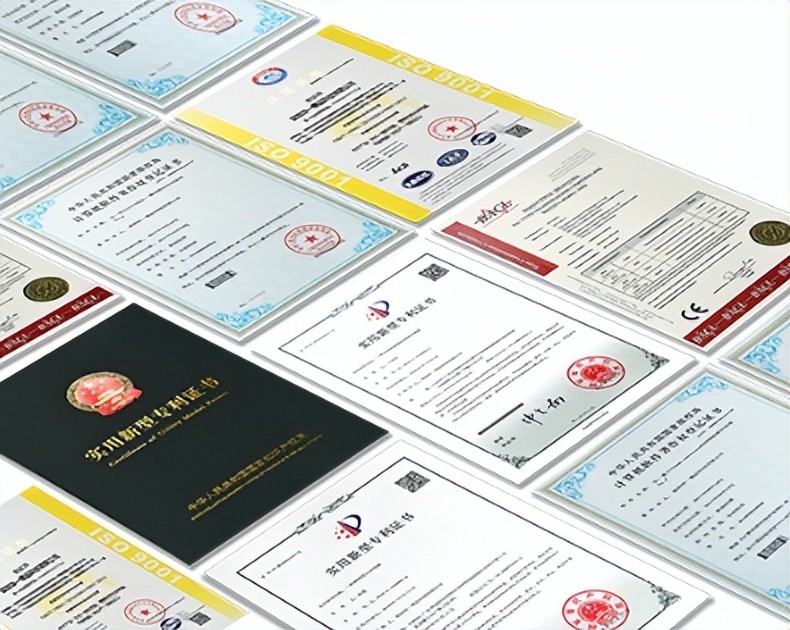
AI Compute Box Bulk Procurement: 3C, CE, FCC Certification Guide
Learn the key certification requirements for bulk buying AI compute boxes. Covers 3C, CE, FCC compliance, common pitfalls, and how to verify certificates to avoid legal risks.

RK3588 vs N100: Which Is Better for Local LLM Deployment?
Compare RK3588 and N100 for running local LLMs. See real-world token speeds, power, memory, software support, and which chip fits your AI workload.

Edge AI Box vs Cloud Server:Which Is Cheaper Long-Term?
A detailed TCO comparison of edge AI boxes and cloud servers. Covers hardware, bandwidth, power, and O&M costs, with break-even analysis and a decision checklist.
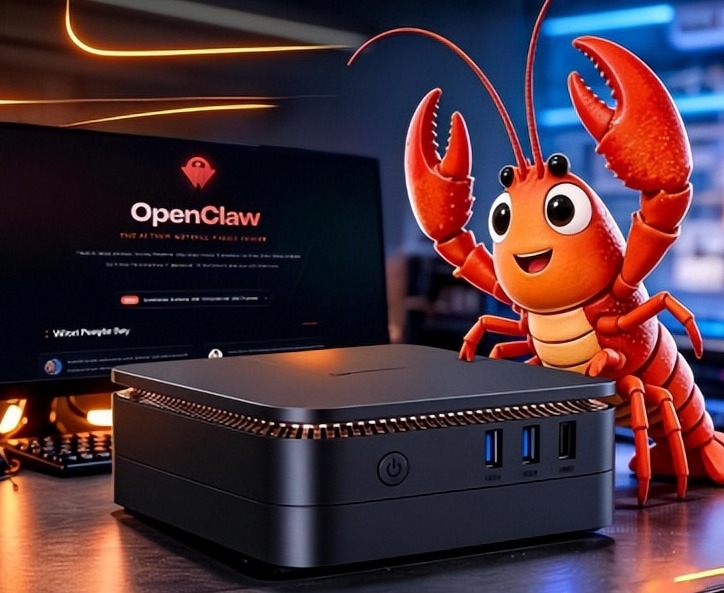
What AI Mini PC Do You Need for Private Local LLM Deployment?
Learn what AI mini PC specs you need for private deployment of local LLMs: memory, NPU, storage, offline capability, and configuration recommendations for 7B–70B models.
Adreamer

© 2012-2025 Copyright Shenzhen Adreamer Technology Co., Ltd.粤ICP备18115621号-2
Contact Adreamer Today for Your Custom Solution & Quote!
© 2012-2025 Copyright Shenzhen Adreamer Technology Co., Ltd.粤ICP备18115621号-2













