
Get in Touch
Your Trusted Manufacturer of Laptops & Tablets

WhatsApp Us Directly
+86 13923410269
Email Us
Get in Touch
Your Trusted Manufacturer of Laptops & Tablets

In today's world of ubiquitous mobile work and entertainment, we face a multitude of device choices. Tablets and laptops undoubtedly stand as two of the most popular. Whether you're standing in front of an electronics store counter or browsing online, a core question often arises: What is the real difference between a tablet and a laptop? And more importantly, which one should I choose?
This question seems simple, but the answer goes far deeper than 'one has a keyboard and the other doesn't.' The differences extend into their core design philosophy, performance, operating systems, app ecosystems, and ultimate use cases. Making the wrong choice could mean spending a significant amount of money on a device that fails to meet your needs.
This is the root of all their differences.
Laptop
The design philosophy of a laptop stems from the traditional personal computer. Its core identity is that of a 'productivity workhorse' and 'all-in-one workstation.' It aims to provide a complete, independent computing environment, enabling you to handle complex, high-intensity tasks like writing long documents, professional video editing, coding, or running large data analysis software. Consequently, its design typically prioritizes performance and functional expandability. The 'clamshell' form factor with an integrated keyboard and trackpad is a necessity. While it sacrifices some extreme portability, it gains powerful internals and highly efficient input methods.

Tablet
The tablet's design philosophy leans more towards being a 'content consumption hub' and a 'lightweight creation tool.' Its birth resulted from the expansion of the smartphone screen, with core pursuits being 'instant-on,' 'ultimate portability,' and 'intuitive interaction.' You can pick up a tablet like a magazine and immediately start swiping and tapping to read, watch videos, browse the web, or play touchscreen games. Its original design intent was to offer an immersive and convenient experience, not to handle heavy-duty tasks.
In simple terms, a laptop is like a fully-equipped mobile office, while a tablet is more like a portable smart canvas and entertainment center. Understanding this fundamental distinction allows us to better interpret their specific manifestations in hardware and software.
This is the most visible difference and directly dictates the user experience.
Laptop
The signature characteristic of a laptop is its clamshell design and the indispensable physical keyboard. This physical keyboard, combined with a trackpad or mouse, provides the most efficient and precise method for text input and cursor control available today. For users who need to do a lot of typing (reports, coding, chatting), the tactile feel, key travel, and feedback of a physical keyboard are irreplaceable by virtual ones. This 'WIMP' (Windows, Icons, Menus, Pointer) interaction model, refined over decades, offers unparalleled advantages for multitasking and performing precise operations (like detailed photo editing).
Tablet
Tablets are defined by their 'slate' form factor and a 'touch-first' approach. The primary mode of interaction is finger touch, with all operations revolving around swiping, tapping, and pinching-to-zoom, making it incredibly intuitive and easy to learn. To address the text input limitation, the market has developed two main form factors:
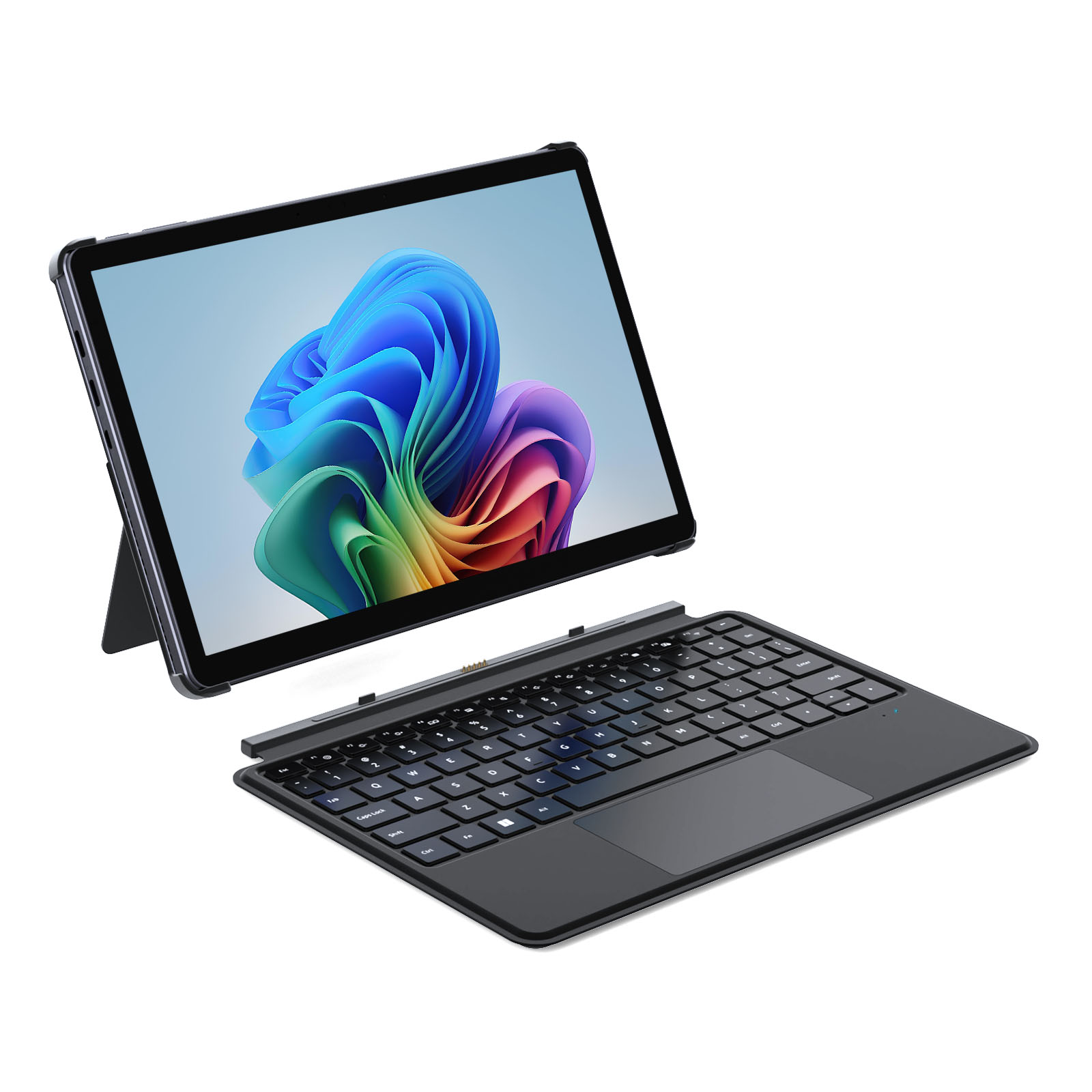
However, even when a keyboard is attached, the tablet's operating system (which we'll discuss next) is still fundamentally optimized for touch at its core. Its file management and multitasking capabilities often remain a step behind those of a traditional laptop.
The operating system is the soul of the device; it determines what software you can use and how you use it.
Laptop
Laptops primarily run full, desktop-class operating systems like Windows or macOS. These systems are characterized by:
Tablet
Tablets primarily run mobile operating systems like iOS/iPadOS or Android. Although iPadOS, in particular, has been moving closer to a desktop experience, its essence remains:
Think of a laptop's software ecosystem as an open 'world' where you can install software from any source and have full control. A tablet's ecosystem is more like a well-maintained 'walled garden'—secure and convenient, but with clearly defined boundaries.
Although high-end tablets now feature incredibly powerful chips (like the Apple M-series in the iPad Pro), there are still significant differences in sustained performance and expandability.
Laptop
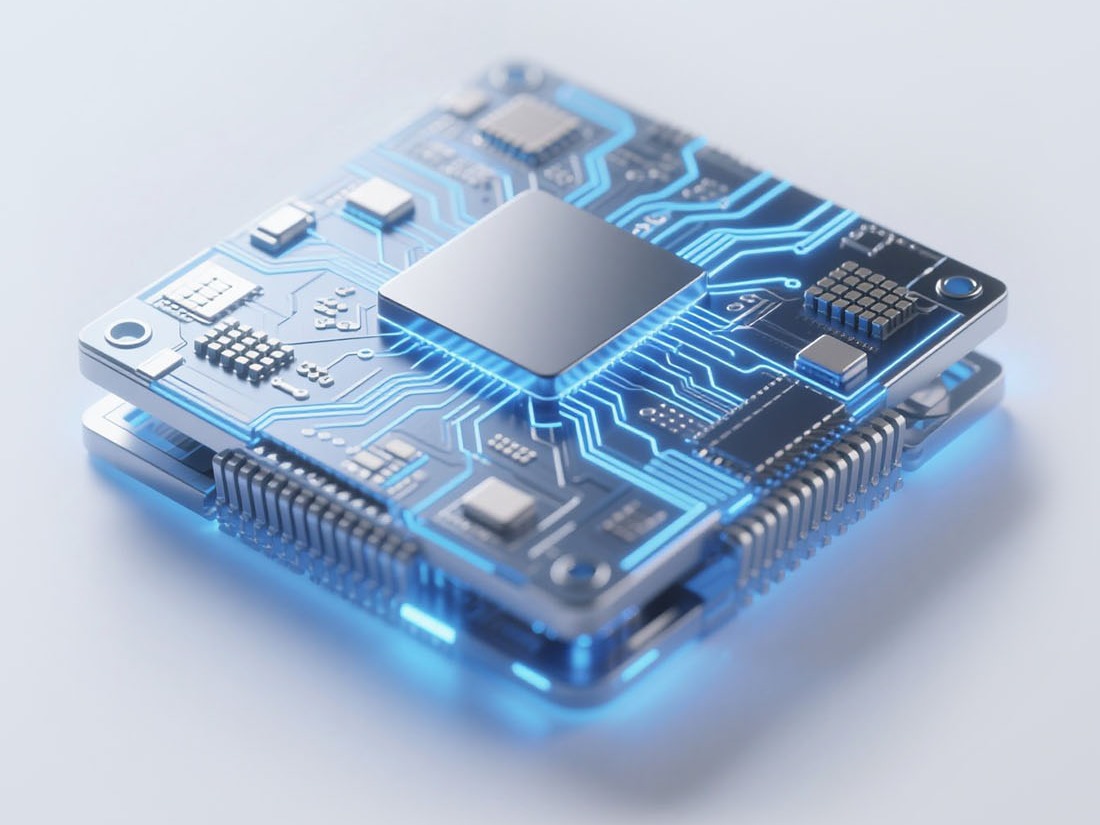
Laptops, especially gaming laptops and mobile workstations, are equipped with more robust active cooling systems (fans). This allows the CPU and GPU to run at high loads for extended periods without throttling (slowing down). This means you can perform tasks like video rendering or playing graphics-intensive games for hours on end. Furthermore, laptops typically offer a rich array of ports (multiple USB, HDMI, Ethernet, SD card readers, etc.), making it easy to connect various peripherals and greatly enhancing expandability.
Tablet
In pursuit of thinness and silence, most tablets rely on passive cooling (no fans). They can deliver impressive short-term burst performance, but during prolonged, heavy workloads (like exporting a 4K video), the chip will often throttle due to heat, resulting in slower speeds. Regarding expandability, tablets usually have very limited ports (a single USB-C port is the norm). You often need to purchase various dongles and hubs to connect more devices, which reduces convenience.
After all this technical comparison, it ultimately comes down to a practical decision. You should ask yourself: 'What will I primarily use this device for?'
Choose a Laptop if your needs include:
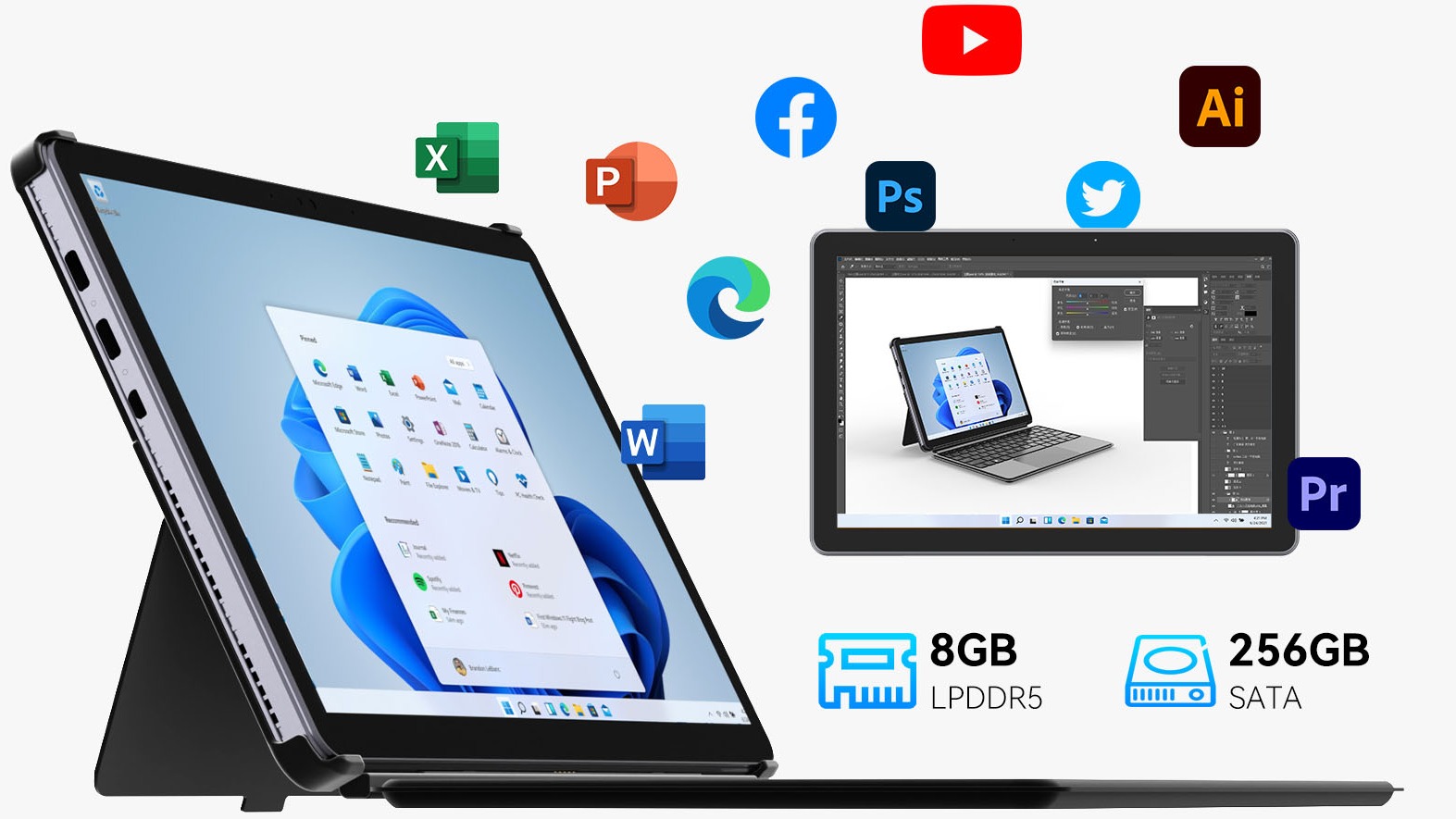
Choose a Tablet if your needs include:
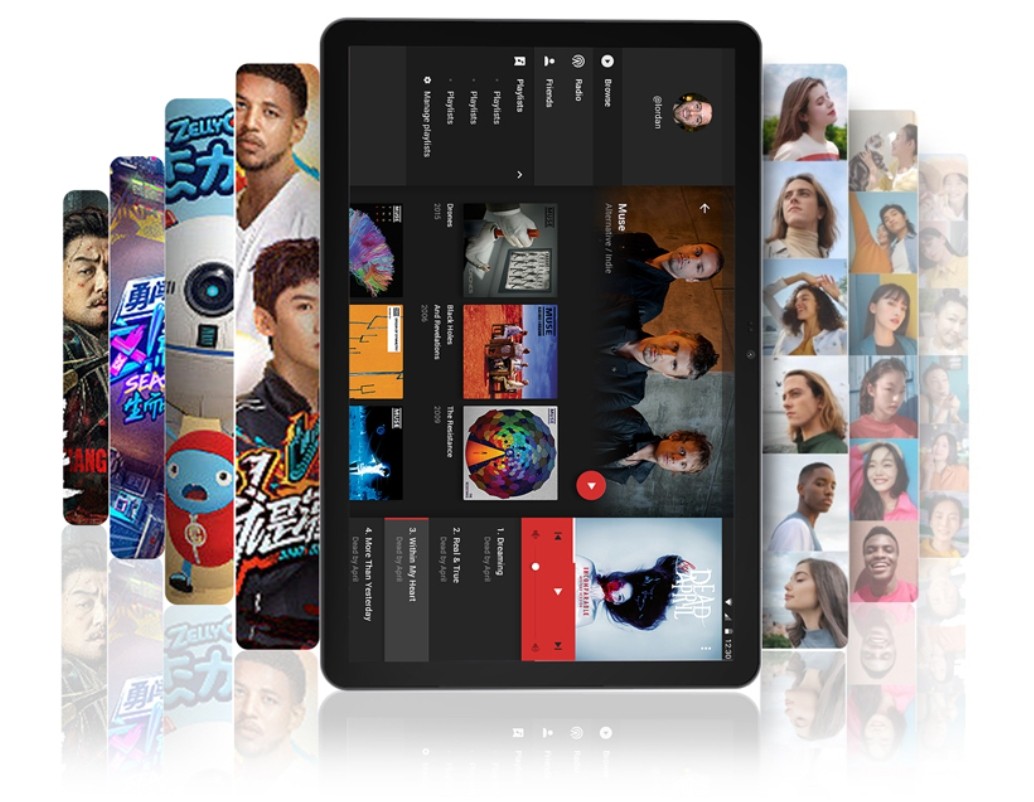
The '2-in-1 Device' Compromise:
If you're torn between the two, 2-in-1 devices like the Microsoft Surface Pro/Go series or Lenovo Yoga series are a worthwhile compromise. These are essentially full Windows computers but with detachable or 360-degree flip touchscreens. They can function as both a laptop and a tablet, attempting to blend the strengths of both. However, this often comes with trade-offs in thickness, weight, or peak performance.
The difference between a tablet and a laptop is, at its core, a battle between 'specialization' and 'versatility,' and between 'touch intuition' and 'keyboard/mouse efficiency.' There is no absolute winner; there is only what is right for you.
Before making a purchase, always return to your core list of needs. Think carefully about what you will use it for 80% of the time. Will you be hunkered down, creating masterpieces? Or will you be lounging on the couch, enjoying the pleasure of a swipe? The answer lies in your daily life.
Industry-Specific Solutions
Latest Blog
Edge AI Box vs Cloud Server:Which Is Cheaper Long-Term?
A detailed TCO comparison of edge AI boxes and cloud servers. Covers hardware, bandwidth, power, and O&M costs, with break-even analysis and a decision checklist.
What AI Mini PC Do You Need for Private Local LLM Deployment?
Learn what AI mini PC specs you need for private deployment of local LLMs: memory, NPU, storage, offline capability, and configuration recommendations for 7B–70B models.

How to Choose an Edge Computing Box Manufacturer: ODM/OEM Guide
Learn how to evaluate edge computing box manufacturers. Compare source factories, ODM/OEM models, MOQ, certifications, and customization to find the right partner.
How to Choose an AI Mini PC in 2026: NPU & Memory Buying Guide
A practical guide to choosing an AI mini PC in 2026. Learn how to match NPU TOPS, memory capacity, and bandwidth to your workload, avoid common pitfalls, and pick the right configuration.
Adreamer

© 2012-2025 Copyright Shenzhen Adreamer Technology Co., Ltd.粤ICP备18115621号-2
Contact Adreamer Today for Your Custom Solution & Quote!
© 2012-2025 Copyright Shenzhen Adreamer Technology Co., Ltd.粤ICP备18115621号-2













