
Get in Touch
Your Trusted Manufacturer of Laptops & Tablets

WhatsApp Us Directly
+86 13923410269
Email Us
Get in Touch
Your Trusted Manufacturer of Laptops & Tablets

You want to buy an AI mini PC to run local models. You open an e‑commerce platform and see dozens of products ranging from around $400 to $1,200, with spec sheets that read like a foreign language. NPU TOPS, memory bandwidth, LPDDR5x, PCIe 4.0… you know the words, but when they’re all together, you have no idea how to choose.
A friend who does independent development asked me a question last week.
He wanted to buy an AI mini PC with a budget of around $700, mainly for local code assistance and a document knowledge base. He had his eye on three products:
He asked me: “Model B costs $200 more, and its NPU is more than twice as powerful as Model A. But do I really need that much compute? Or should I save the extra $200?”
That’s a great question.
The core of choosing an AI mini PC is not “buy the most expensive” or “buy the highest TOPS.” It’s buying what best fits your actual use case. Excess compute wastes budget; insufficient compute hurts the experience. This article helps you find that balance.
The cost breakdown of an AI mini PC is roughly as follows:
| Component | Cost Share | Impact on AI Experience | Priority |
|---|---|---|---|
| Processor (incl. NPU) | 35‑45% | Determines AI inference speed and usable model size | ★★★★★ |
| Memory (capacity + type) | 15‑20% | Determines max model size and multi‑task concurrency | ★★★★★ |
| Storage (capacity + speed) | 8‑12% | Determines model load speed and data access efficiency | ★★★★ |
| Cooling system | 8‑12% | Determines sustained performance (throttling or not) | ★★★★ |
| Ports & expandability | 5‑8% | Determines peripheral support and future expansion | ★★★ |
| Brand & after‑sales | 5‑8% | Determines how quickly issues get resolved | ★★★ |
The processor and memory are the core cost items and the key determinants of AI experience. Prioritizing your budget for these two components is the fundamental principle of selection.
NPU (Neural Processing Unit) compute is measured in TOPS (Tera Operations Per Second). In 2026, AI mini PCs on the market range from 10 TOPS to 45 TOPS.
First, look at what different NPU compute levels can do:
| NPU Compute | Representative Processor | Models It Can Run | Typical Inference Speed | Who It’s For |
|---|---|---|---|---|
| 10‑15 TOPS | Intel Core Ultra 5 125H | 7B model (INT4 quantized) | 10‑15 tokens/sec | Entry‑level experience, light document assistance |
| 15‑20 TOPS | AMD Ryzen 7 8845HS | 7B model (INT4) | 15‑20 tokens/sec | Daily code assistance, document Q&A |
| 20‑30 TOPS | Intel Core Ultra 7 155H | 7B‑8B models (INT4/INT8) | 20‑30 tokens/sec | High‑frequency developers, multi‑task concurrency |
| 30‑45 TOPS | Intel Core Ultra 9 / Snapdragon X Elite | 13B model (INT4) | 15‑25 tokens/sec (larger models) | Complex reasoning, team sharing, edge deployment |
| 45+ TOPS | Snapdragon X Elite high‑end | 13B‑20B models | 10‑20 tokens/sec | Enterprise edge AI, local large model deployment |
Buying advice:
A key reminder: Don’t just look at NPU TOPS—also look at memory bandwidth.
No matter how high the NPU TOPS, if memory bandwidth is insufficient, data can’t feed the NPU fast enough, and actual inference speed drops significantly. Two devices with the same 20 TOPS rating can differ by over 30% in real inference speed based on memory bandwidth.
Memory bandwidth reference:
If budget allows, prioritize models with LPDDR5x memory.
Memory (RAM) is the most underrated component in AI mini PC selection.
Memory capacity determines how large a model you can run and how many AI tasks you can run concurrently.
| Memory Capacity | Models It Can Run | Multi‑tasking Capability | Who It’s For |
|---|---|---|---|
| 8GB | 3B barely, 7B struggles | Only one AI task at a time | Not recommended for AI |
| 16GB | 7B (INT4) can run | Can’t do much else while AI runs | Entry‑level users, light use |
| 32GB | 7B‑8B smooth, 13B can attempt | Can do other tasks while AI runs | Mainstream developers, recommended |
| 64GB | 13B‑20B can run | Multi‑tasking is easy | Heavy users, team sharing, edge deployment |
| 128GB | 30B+ can attempt | Multi‑stream concurrency with no pressure | Enterprise deployment, professional AI dev |
Buying advice:
Memory type also matters:
If budget allows and you don’t plan to upgrade later, prioritize models with LPDDR5x onboard memory—higher bandwidth has a substantial impact on AI inference speed.
A practical formula:
Maximum memory you need ≈ model parameter size × quantization footprint + OS footprint + application software footprint + headroom
For a 7B model (INT4 quantized):
Total: ~17‑21GB → 32GB is the safest choice.
Storage’s impact on AI experience is often overlooked, but it’s actually critical.
Capacity determines how many models and how much data you can store. Speed determines how fast models load and whether data reads keep up during inference.
| Storage Configuration | Model Load Speed | How Many Models It Can Store | Who It’s For |
|---|---|---|---|
| 512GB SATA SSD | Slow (30‑60 sec) | 3‑5 7B models | Entry, not recommended |
| 512GB NVMe SSD | Medium (15‑30 sec) | 3‑5 7B models | Acceptable on a tight budget |
| 1TB NVMe SSD | Fast (8‑15 sec) | 8‑10 7B models | Mainstream recommendation |
| 2TB NVMe SSD | Fast (8‑15 sec) | 15‑20 7B models | Heavy users, multi‑model switching |
Buying advice:
An easily overlooked detail: Check if there’s a second M.2 slot. If you need to expand later, a second slot makes it much easier—just add another SSD without replacing the original.
AI inference is a sustained load, not a momentary peak. Cooling design determines whether the device can maintain performance under prolonged high load.
Cooling solution comparison:
| Cooling Solution | Typical Power Range | Noise Level | Sustained Performance | Suitable Scenarios |
|---|---|---|---|---|
| Fanless passive | 10‑25W | 0dB | Limited by heatsink area; throttles under high load | Light AI tasks, quiet environments |
| Single active fan | 25‑45W | 25‑35dB | Sustains medium load | Mainstream AI development |
| Dual active fans | 45‑65W | 35‑45dB | Sustains high load | Heavy AI tasks, edge deployment |
| Vapor chamber + fan | 45‑65W | 30‑40dB | Optimal cooling efficiency, good noise control | High‑performance AI mini PCs |
Buying advice:
A simple way to judge:
Look at the manufacturer’s published “sustained power” and “peak power.” If there’s a big gap (e.g., peak 65W, sustained only 35W), cooling is insufficient for long full loads. The closer sustained power is to peak power, the better the cooling design.
Port configuration depends on your use case. Here are port requirements for different scenarios:
Basic scenario (personal development, document assistance):
Advanced scenario (multi‑monitor, peripheral expansion):
Edge deployment scenario (industrial, security):
Buying advice:
Based on different use cases and budgets, here are 2026 configuration recommendations:
| Use Case | Budget Range | Processor | NPU Compute | Memory | Storage | Example Configuration |
|---|---|---|---|---|---|---|
| Entry experience | $400‑500 | Intel Core Ultra 5 125H | 10‑15 TOPS | 16GB | 512GB NVMe | Basic AI mini PC |
| Daily development | $600‑750 | Intel Core Ultra 7 155H / AMD Ryzen 7 8845HS | 16‑22 TOPS | 32GB | 1TB NVMe | Mainstream developer config |
| High‑frequency heavy | $800‑1,000 | Intel Core Ultra 9 / AMD Ryzen 9 | 25‑35 TOPS | 32‑64GB | 1TB‑2TB NVMe | High‑performance AI mini PC |
| Team sharing | $900‑1,200 | Intel Core Ultra 9 / Snapdragon X Elite | 35‑45 TOPS | 64GB | 2TB NVMe | Enterprise edge AI node |
| Edge deployment | $650‑1,100 | Intel Core Ultra 7 (wide‑temp) | 20‑25 TOPS | 32GB | 1TB NVMe | Industrial fanless AI mini PC |
Best choice for individual developers (2026):
This configuration runs 7B‑8B models smoothly, supports daily code assistance, document Q&A, and light image processing, while leaving enough headroom for multitasking. For 90% of individual developers, this setup is sufficient for 2‑3 years.
Mistake 1: Only looking at TOPS, not actual inference speed.
TOPS is theoretical peak. Actual inference speed is affected by memory bandwidth, cooling, and software optimization. Ask the manufacturer for real‑world inference speed (tokens/sec) on specific models—don’t just look at TOPS.
Mistake 2: Choosing 16GB to save money.
16GB can run a 7B model, but while AI runs, the system can barely do anything else. 32GB is the reasonable starting point in 2026. Saving a few hundred dollars leads to long‑term limitations—not worth it.
Mistake 3: Ignoring cooling’s impact on sustained performance.
AI inference is a sustained load; insufficient cooling causes throttling. When buying, look at “sustained power” not just “peak power.” Be cautious of models with a large gap between the two.
Mistake 4: Buying a model with non‑upgradable memory.
LPDDR5x onboard memory performs well but cannot be upgraded. If you might need more memory later (e.g., upgrade to 64GB for larger models), choose a model with DDR5 SODIMM slots for easy future upgrades.
Mistake 5: Overlooking BIOS customization.
If you need unattended operation (power‑on after power loss, watchdog), standard BIOS may not support it. Confirm whether the manufacturer offers BIOS customization—this is a must‑have in edge deployment.
Industry-Specific Solutions
Latest Blog
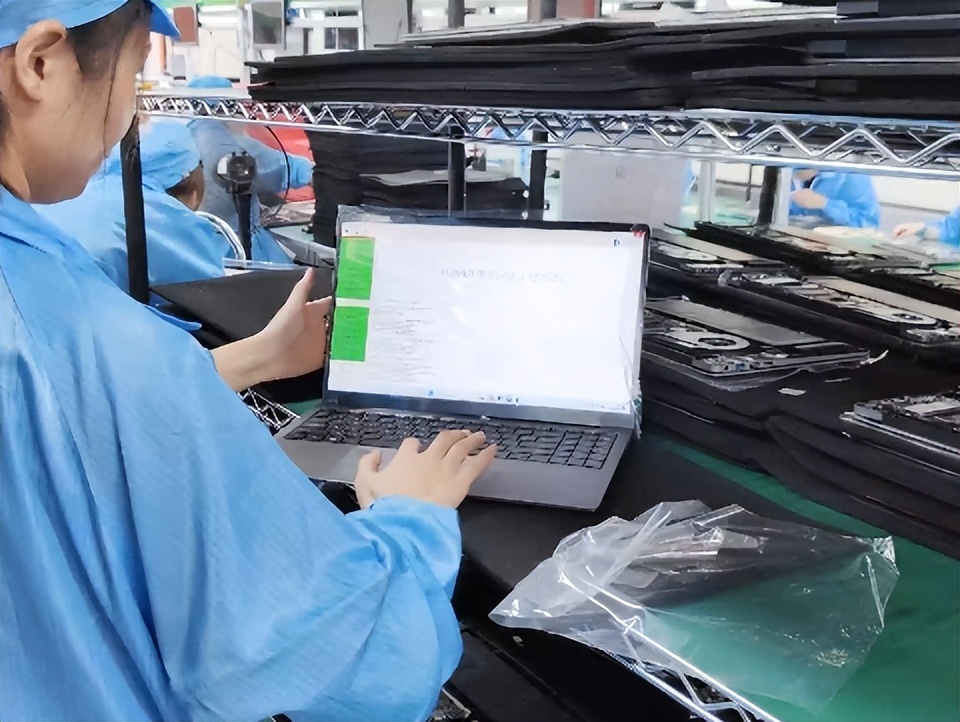
How to Choose an Educational Laptop: Specs, Durability & Budget
Learn how to choose the right educational laptop for K12, university, or teaching. Compare CPU, memory, screen, battery, ports, and management features by scenario.

What Is an Educational Laptop? A Buying Guide for Parents & Schools
What is an educational laptop and how is it different from a regular student laptop? Learn key features, buying criteria, and common mistakes for parents and schools.
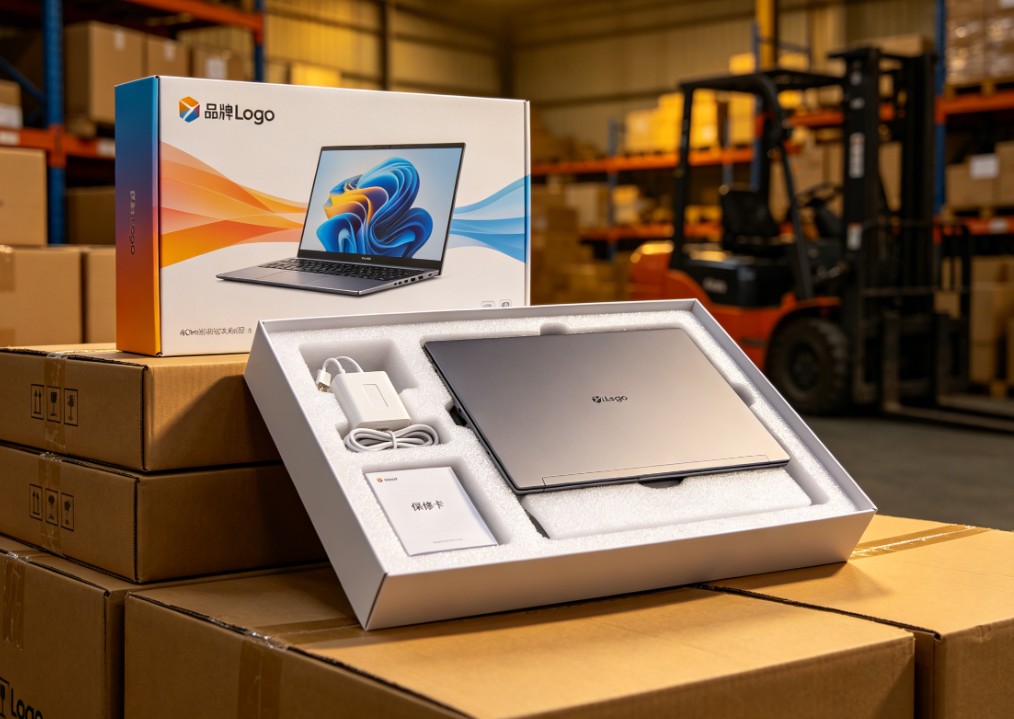
White-Label vs Neutral Laptops: Worth Buying? Pros, Cons & Guide
Should you buy white-label or neutral laptops in bulk? Learn the real pros and cons, quality-control risks, TCO calculation, sample inspection, and after-sales planning.

Celeron N5095 vs N100 vs N305: White-Label Laptop CPU Guide
Celeron N5095 or Intel N100/N305? Compare architecture, iGPU, memory support, power limits, and real-world performance to choose the right white-label laptop.
Adreamer

© 2012-2025 Copyright Shenzhen Adreamer Technology Co., Ltd.粤ICP备18115621号-2
Contact Adreamer Today for Your Custom Solution & Quote!
© 2012-2025 Copyright Shenzhen Adreamer Technology Co., Ltd.粤ICP备18115621号-2













