
Get in Touch
Your Trusted Manufacturer of Laptops & Tablets

WhatsApp Us Directly
+86 13923410269
Email Us
Get in Touch
Your Trusted Manufacturer of Laptops & Tablets

A couple of months ago, I helped a friend in smart retail with device selection. He picked an AI mini PC from three suppliers for good reasons: the latest NPU, 32GB RAM, and a price 15% lower than competitors. But by day three of deployment, issues surfaced—during afternoon peak hours, temperature screening and facial payment kept timing out. After two weeks of troubleshooting, we discovered the machine couldn't handle sustained inference loads due to inadequate cooling. Once the chip throttled, effective compute was cut in half.
This experience taught me that bulk procurement of AI mini PCs can't be based solely on spec sheets. When hundreds of devices are deployed, any weakness gets magnified into a systemic risk. And many critical issues simply don't show up in spec sheets.
If you're planning a similar procurement, here are six dimensions worth verifying before signing the contract.
Most AI mini PCs on the market today advertise compute from 10–15 to 50+ TOPS. But almost all are theoretical peak numbers—lab results achieved under ideal voltage, temperature, and cooling conditions.
Real‑world business scenarios are far more complex. Moving data from memory into the NPU introduces latency and power overhead. If your model contains many irregular memory access patterns, actual throughput may drop to 60% of the advertised figure. A more subtle issue is operator compatibility—some NPUs have incomplete support for certain PyTorch or ONNX layers. Official demos run fine, but your own business model may error out or fall back to CPU.
Practical advice: Before purchasing, run your core model through a complete inference pipeline on each candidate device. Measure real QPS and latency. If a supplier isn't willing to support this testing, the risk of downstream cooperation is higher.
AI inference memory requirements are often underestimated. Many assume the model file size equals memory usage, but intermediate activation tensors, KV caches, and multi‑session contexts all significantly increase the footprint.
We tested a 16GB AI mini PC running a 7B quantized model. Single‑stream inference worked, but as soon as concurrency increased, frequent garbage collection caused severe latency jitter. Switching to a 32GB version stabilized performance. The catch: most mini PCs have onboard memory—you can't upgrade later. If your budget allows, it's wiser to step up to a higher configuration.
Mini PCs are small, which means heat density is actually quite high. AI inference is a sustained high‑load task—not a quick benchmark run. The cooling solution directly determines whether the device can maintain its full rated performance over time.
Don't just check if there's a fan—look at the airflow path. Are the intake and exhaust positioned properly? When multiple units are placed close together, do they affect each other? In one project, we put devices in a rack cabinet—stacking dozens caused the middle units to run significantly hotter, with throttling events showing up frequently in system logs.
Also, if devices are deployed in stores or office areas, fan noise is a real concern. Ask for a sample and listen to the noise level under load.
To keep size small, mini PCs often have limited ports. But in bulk deployment, every port limitation gets amplified.
Video input: If your application involves facial recognition or foot‑traffic analysis with multiple cameras, confirm the device supports the required number of video inputs and the right interface types. Some models only have HDMI outputs—relying solely on USB cameras can introduce latency and stability issues.
USB power delivery: External devices like binocular cameras, IR illuminators, and security dongles can draw significant power. If the motherboard USB ports don't provide enough current, peripherals may disconnect frequently. Check the USB output current spec and prioritize models with independent power‑delivery designs.
Network: For campus or factory scenarios, dual LAN ports offer greater flexibility for network isolation or link aggregation. Gigabit Ethernet is the baseline; 2.5GbE is better if your network infrastructure supports it.
Choosing the right hardware only to find the software won't run is one of the most passive positions to be in during bulk procurement.
Vendors vary widely in how well they maintain NPU drivers and inference SDKs. Some have excellent support for ONNX Runtime and TensorFlow Lite—model conversion is mostly one‑click. Others require a lot of glue code, or even manual operator rewriting.
Before purchasing, ask the supplier for real‑world deployment cases in your industry or similar business scenarios—see if they have experience delivering in your vertical. Also, clarify their OS upgrade strategy: if you need to update kernels or drivers for new models later, what's their response time and long‑term support commitment?
After‑sales logic for bulk procurement is fundamentally different from retail. With hundreds of devices, a certain monthly failure rate is normal—what matters is how quickly they get back online.
Spare parts policy is the key. Does the supplier provide a spare parts pool? Are failed devices repaired on‑site or shipped back? How long is the repair cycle? All of these should be clearly stated in the contract. Some experienced suppliers offer replacement unit services—you receive a spare to keep business running while the faulty device is repaired. Whether this is paid, and how fast they respond, should be clarified upfront rather than after a failure occurs.
Unit price matters less in bulk procurement than long‑term operational costs.
Power consumption: Two AI mini PCs with similar compute can differ by over 10W under full load. Across a hundred devices running for a year, the electricity cost gap can easily erase any initial price difference.
Space utilization: Smaller devices with the same compute power can save you rack cabinet rent.
Finally, a word on vendor selection. The AI mini PC space includes traditional mini PC makers pivoting to AI, AI chip companies selling complete systems, and ODM white‑label manufacturers.
In my experience, prioritize suppliers with in‑house NPU R&D or deep customization capabilities. AI inference software‑stack optimization often requires chip‑level support to do well. Pure assembly shops using reference designs usually lack the depth to optimize drivers and SDKs—and their problem‑solving capacity is limited when issues arise.
Also, check whether the supplier has a track record of bulk deliveries in your industry—they've already filled in the potholes you'd otherwise hit. Following their path will save you a lot of trouble.
Industry-Specific Solutions
Latest Blog

Celeron N5095 vs N100 vs N305: White-Label Laptop CPU Guide
Celeron N5095 or Intel N100/N305? Compare architecture, iGPU, memory support, power limits, and real-world performance to choose the right white-label laptop.

White-Label Laptops Explained: What They Are & Should You Buy?
Learn what a white-label laptop is, how it differs from knockoffs, barebones, and private-label models. Covers pros, cons, risks, and a practical buying guide for budget buyers.

AMD Ryzen AI Max 395 Mini PC: Worth It? Pros, Cons & Benchmarks
Is the Ryzen AI Max 395 mini PC worth the price? See real-world LLM inference, gaming, power, noise, and pros/cons to decide if this 128GB AI workstation fits your needs.
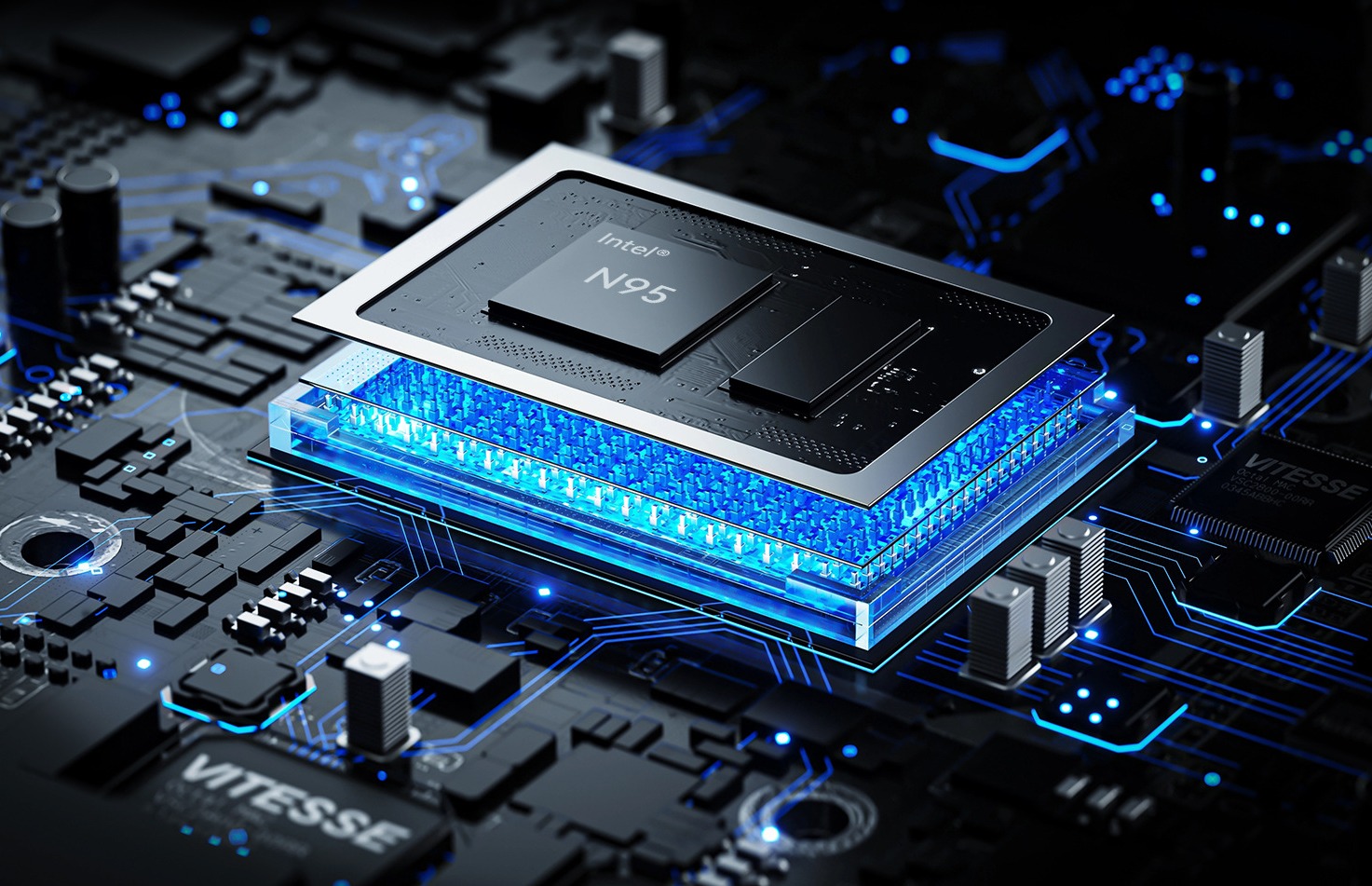
N100 vs N95 Mini PC Performance Comparison
Compare Intel N100 vs N95 mini PCs. See CPU, iGPU, TDP, power draw, gaming, and NAS performance—plus clear buying advice for office, soft router, and light gaming.
Adreamer

© 2012-2025 Copyright Shenzhen Adreamer Technology Co., Ltd.粤ICP备18115621号-2
Contact Adreamer Today for Your Custom Solution & Quote!
© 2012-2025 Copyright Shenzhen Adreamer Technology Co., Ltd.粤ICP备18115621号-2













