
Get in Touch
Your Trusted Manufacturer of Laptops & Tablets

WhatsApp Us Directly
+86 13923410269
Email Us
Get in Touch
Your Trusted Manufacturer of Laptops & Tablets

Looking to buy an entry-level mini PC with a budget of $110–$210? Open any e-commerce page, and the N100 and N95 are often at the top of the list. The specs look similar, the prices are close, and it’s hard to tell the difference. Is it worth paying $5–$10 more for the N95?
This is a common dilemma for entry-level mini PC buyers. The N100 and N95 both belong to Intel’s Alder Lake-N series—entry-level, 4-core/4-thread processors that look almost identical on a spec sheet. In reality, however, they differ noticeably in power settings, integrated graphics, and ideal use cases.
The N100 and N95 are Intel Alder Lake-N series processors launched in 2023, positioned for the entry-level low-power market. They share the same core architecture but have slightly different positioning:
| Comparison Item | N100 | N95 |
|---|---|---|
| Positioning | Ultra-low power, efficiency-first | Entry-level performance, good-enough performance |
| Typical Devices | Soft routers, NAS, fanless mini PCs | Office mini PCs, light gaming PCs |
| Launch Year | Q1 2023 | Q1 2023 |
Core takeaway: They are not an “upgrade” relationship. They are two different positioning models within the same generation. The N100 is more power-efficient; the N95 offers slightly stronger performance.
| Comparison Dimension | Intel N100 | Intel N95 |
|---|---|---|
| Architecture | Alder Lake-N | Alder Lake-N |
| Cores/Threads | 4 cores / 4 threads | 4 cores / 4 threads |
| Base Frequency | 1.8GHz | 1.7GHz |
| Max Turbo Frequency | 3.4GHz | 3.4GHz |
| L3 Cache | 6MB | 6MB |
| TDP | 6W | 15W |
| Integrated Graphics | Intel UHD (24EU) | Intel UHD (16EU) |
| iGPU Frequency | 750MHz | 1.2GHz |
| Memory Support | DDR4/DDR5, single channel | DDR4/DDR5, single channel |
| Max Memory | 16GB | 16GB |
| PCIe Lanes | 9 | 9 |
Key Differences:
The following data is based on real-world tests of mini PCs with identical configurations (16GB DDR4 + 512GB SSD).
| Test Item | N100 | N95 | Difference |
|---|---|---|---|
| Cinebench R23 Single-Core | ~950 | ~980 | +3% |
| Cinebench R23 Multi-Core | ~2800 | ~3100 | +10% |
| Geekbench 6 Single-Core | ~1200 | ~1250 | +4% |
| Geekbench 6 Multi-Core | ~3000 | ~3300 | +10% |
The N95’s CPU performance is about 5%–10% stronger than the N100’s, mainly because its higher TDP keeps frequencies more stable under sustained loads.
| Test Item | N100 | N95 | Difference |
|---|---|---|---|
| 3DMark Night Raid | ~2800 | ~3000 | +7% |
| League of Legends 1080p Medium | ~50 FPS | ~55 FPS | +10% |
| CS2 1080p Low | ~30 FPS | ~32 FPS | +7% |
| 4K Video Hardware Decode | Smooth | Smooth | Same |
Although the N95’s iGPU has fewer execution units, its higher frequency (1.2GHz vs. 750MHz) gives it slightly better real-world gaming performance than the N100.
| Test Item | N100 | N95 |
|---|---|---|
| Idle Power | ~3W | ~5W |
| Full-Load Power | ~10W | ~18W |
| Full-Load Temperature | ~50°C | ~65°C |
| Cooling Solution | Passive (fanless) | Active (with fan) |
The N100 has a clear power advantage—just 6W TDP, enabling fanless passive cooling with zero noise. The N95’s 15W TDP requires active cooling and produces slight fan noise.
| Task | N100 | N95 |
|---|---|---|
| Word / Excel | Smooth | Smooth |
| 20+ Browser Tabs | Smooth | Smooth |
| WeChat / DingTalk / Tencent Meeting | Smooth | Smooth |
| 4K Video Playback | Smooth | Smooth |
In daily office scenarios, there is almost no noticeable difference between the two.
| Task | N100 | N95 |
|---|---|---|
| OpenWrt Soft Router | Perfect | Perfect |
| NAS + Docker | Smooth | Smooth |
| 24-Hour Idle Power | ~3W | ~5W |
| Annual Electricity Cost (Estimate) | ~$7 | ~$11 |
The N100 has lower power consumption and is better suited for 7×24 soft router and NAS scenarios. It saves about $4 per year in electricity—not a huge difference long-term, but the N100 is fanless and quieter.
| Game | N100 | N95 |
|---|---|---|
| League of Legends | Medium: 50 FPS | Medium: 55 FPS |
| CS2 | Low: 30 FPS | Low: 32 FPS |
| Genshin Impact | Lowest: 25 FPS | Lowest: 28 FPS |
| Retro Emulators | Smooth | Smooth |
The gaming performance gap is small—the N95 is about 5%–10% stronger. Neither is suitable for AAA titles.
Choose the N100 if:
Choose the N95 if:
Quick Selection Table
| Your Need | Recommendation | Reason |
|---|---|---|
| Soft router / NAS / download box | N100 | 6W ultra-low power, fanless silence |
| Pure office + media | N100 | Performance is fully sufficient, more power-efficient |
| Office + light gaming | N95 | Higher iGPU frequency, slightly better gaming |
| 7×24 server operation | N100 | Low power, lower electricity cost, less cooling pressure |
| Budget under $140 | N100 | Typically $5–$10 cheaper than N95 |
| Want slightly better multitasking | N95 | Higher TDP, slightly stronger sustained performance |
Q1: How much performance difference is there between the N100 and N95?
A: CPU performance differs by about 5%–10%, and iGPU performance differs by about 5%–10%. In daily use, you will barely notice the difference. Only under sustained heavy loads or multitasking does the N95 show a slight advantage.
Q2: Can the N100 play 4K video?
A: Yes. The N100 supports hardware decoding for AV1, HEVC, VP9, and other mainstream codecs. It plays 4K 60fps video smoothly.
Q3: Does the N95 consume more power than the N100?
A: Yes. The N100 has a 6W TDP; the N95 has 15W. Running 24/7, the N100 costs about $7 per year in electricity, while the N95 costs about $11. The difference is small, but the N100 is more efficient.
Q4: Which is better for a soft router?
A: The N100. A soft router needs 7×24 operation. The N100 has lower power consumption and less heat, supports fanless passive cooling, and is more stable long-term.
Q5: Can the N95 play League of Legends?
A: Yes. The N95 runs at about 55 FPS at 1080p medium settings—smooth and playable. The N100 runs at about 50 FPS, also playable. The gap is small.
Q6: Do the N100 and N95 support Windows 11?
A: Yes. Both are x86 architecture and can run Windows 11, Windows 10, Ubuntu, and other operating systems.
Industry-Specific Solutions
Latest Blog
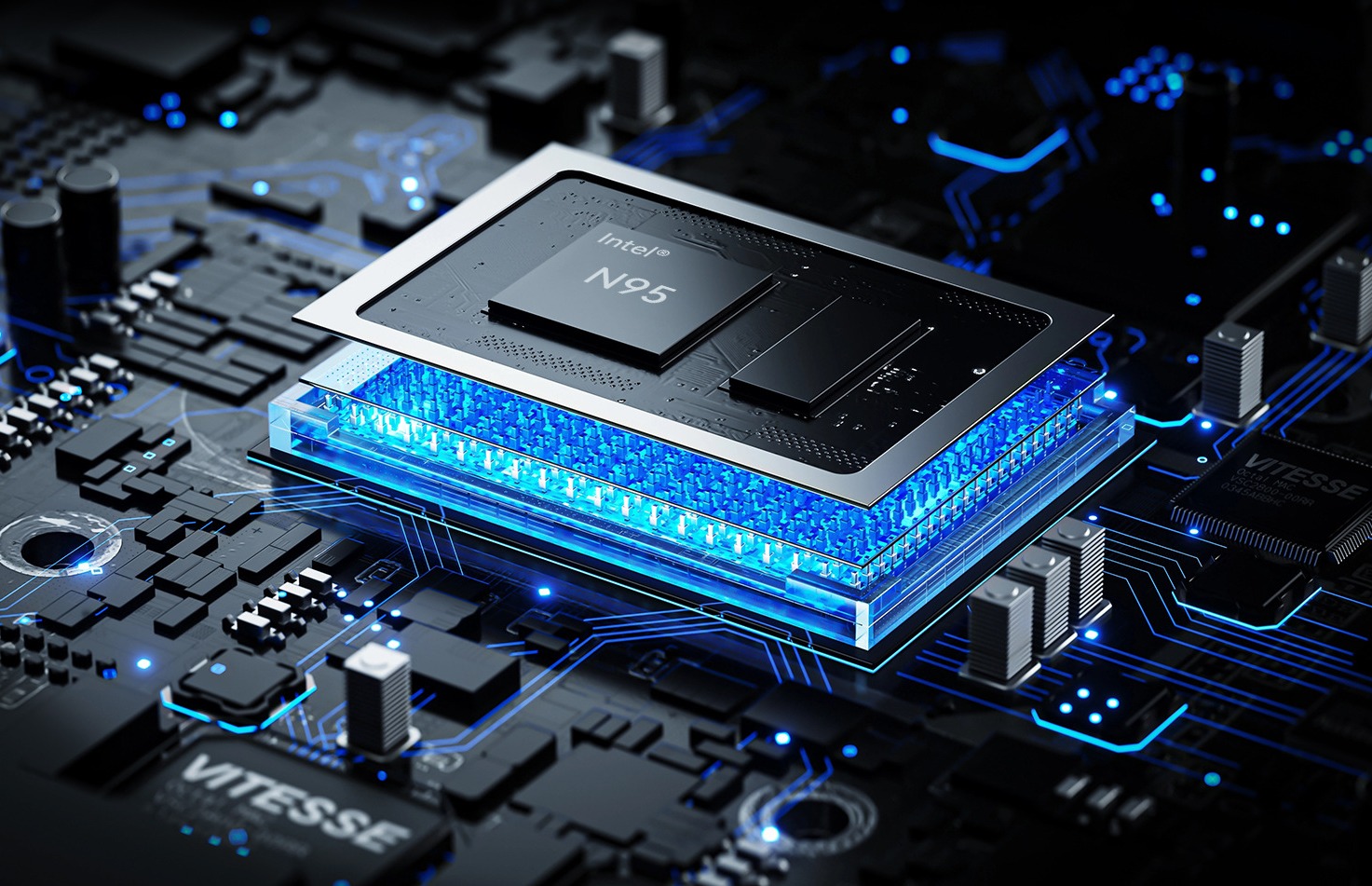
N100 vs N95 Mini PC Performance Comparison
Compare Intel N100 vs N95 mini PCs. See CPU, iGPU, TDP, power draw, gaming, and NAS performance—plus clear buying advice for office, soft router, and light gaming.
RK3588 vs RK3588S: Key Differences for Edge Computing Boards
Compare RK3588 and RK3588S for edge computing. Learn PCIe, SATA, Ethernet, and MIPI interface differences to choose the right board for your project’s expansion needs.
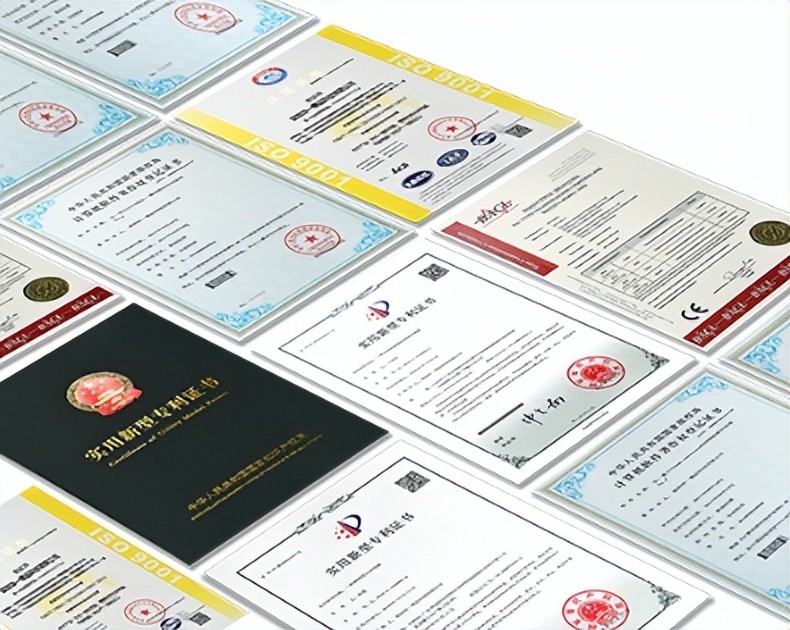
AI Compute Box Bulk Procurement: 3C, CE, FCC Certification Guide
Learn the key certification requirements for bulk buying AI compute boxes. Covers 3C, CE, FCC compliance, common pitfalls, and how to verify certificates to avoid legal risks.

RK3588 vs N100: Which Is Better for Local LLM Deployment?
Compare RK3588 and N100 for running local LLMs. See real-world token speeds, power, memory, software support, and which chip fits your AI workload.
Adreamer

© 2012-2025 Copyright Shenzhen Adreamer Technology Co., Ltd.粤ICP备18115621号-2
Contact Adreamer Today for Your Custom Solution & Quote!
© 2012-2025 Copyright Shenzhen Adreamer Technology Co., Ltd.粤ICP备18115621号-2













