
Get in Touch
Your Trusted Manufacturer of Laptops & Tablets

WhatsApp Us Directly
+86 13923410269
Email Us
Get in Touch
Your Trusted Manufacturer of Laptops & Tablets

If you have searched for “white-label laptops” or “neutral no-logo laptops” on an e-commerce platform, you have probably seen a strange type of product: a clean appearance, no brand logo on the A-cover, high-sounding specs, and a price noticeably lower than a first-tier brand with the same configuration. Some call them white-label laptops, some call them no-logo laptops, and some sellers simply label them “neutral laptops,” “public-mold laptops,” or “barebone systems.”
There are many names, but few people truly understand them. Some buyers purchase them for the low price and find them great; others fall into a trap and cannot find after-sales support. So what exactly is a white-label laptop? How is it different from a knockoff, a private-label laptop, or a barebone? Can ordinary consumers buy one? This article explains the whole thing from an industry perspective.
A white-label laptop is not a formal legal category. It is a term used in channels and within the industry. Generally, it refers to a laptop with no well-known brand identity, very weak brand influence, or one produced directly by a contract manufacturer or solution provider and sold in a neutral form. Its biggest feature is “de-emphasized branding”: the A-cover may have no logo, the boot screen can be changed, and the box and manual are neutral—making it easy for sellers to apply their own brand or sell it as an unbranded machine.
Neutral no-logo laptops are the most common type of white-label laptop. They are not equal to unlicensed three-no products, nor are they necessarily knockoffs. Some white-label laptops come from legitimate contract manufacturers with mature molds, motherboard solutions, and production lines. They simply have not spent money on branding, channel development, or nationwide after-sales service. Others are assembled by small workshops using second-hand parts—that is a different story. Therefore, the concept of a white-label laptop itself is neutral. The key is the specific product, seller, and supply chain.
First, knockoff laptops. Knockoffs often pursue extremely low costs and are prone to fake specs, poor screens, unknown-brand batteries, pirated systems, and even old CPUs passed off as new. White-label laptops are not necessarily like this. Many use public-mold solutions with real configurations; they are simply weak in branding and after-sales. The two overlap, but they are not the same.
Next, barebones. A barebone usually refers to a semi-finished laptop that does not include CPU, memory, hard drive, or even an operating system. Buyers need to purchase components and assemble it themselves. White-label laptops are mostly complete machines that work right out of the box. Barebones are better for DIY enthusiasts; white-label complete machines are better for ordinary consumers.
Private-label laptops are another model. Enterprise customers, cross-border e-commerce sellers, and offline channel partners place orders with factories and ask for their own logo to be printed on the machine. That is private labeling. If the brand owner handles after-sales, it is closer to a regular brand. If they just print a logo and disappear after the sale, it is essentially still white-label logic.
The emergence of white-label laptops is essentially the result of both excess supply chain capacity and market demand. The laptop industry has many OEM and ODM factories with molds, motherboard solutions, screens, and battery resources. Large brands place large orders, get low prices, and can demand strict quality control. Smaller customers do not have such large orders, so they can only choose configurations from public-mold solutions. To absorb production capacity, factories are also willing to accept small-batch orders, even supporting neutral no-logo shipments.
As a result, the same mold can spawn many versions: some with low-voltage i5, some with Ryzen R5; some with high color gamut screens, some with low color gamut screens; some with full battery capacity, some with reduced battery capacity. Solution providers supply BIOS, drivers, and interface definitions; factories handle assembly. By the time products reach e-commerce channels, sellers set prices based on cost. The “white-label laptop” you see is often the product at the end of this chain.
The first type is the public-mold white-label laptop. Multiple sellers sell the same mold, with nearly identical appearance and only different configurations and prices. Parts are easy to find, but competition is fierce, and screen or battery swapping is common.
The second type is the private-mold white-label laptop. The factory develops an exclusive mold, giving the appearance more recognition and possibly supporting custom logos. Private molds usually require higher minimum order quantities, and quality fluctuation depends on factory management.
The third type is the barebone complete machine. The seller installs CPU, memory, and hard drive, but the system, logo, and packaging are neutral. Suitable for studios and enterprise bulk procurement.
The fourth type is the cross-border white-label laptop. Originally exported overseas and later redirected to the domestic market, the keyboard may be English, and the charger plug may not match local standards. Confirm voltage and keyboard layout before buying.
The fifth type is the refurbished assembled laptop. Strictly speaking, this should not be called white-label; it is second-hand refurbished. High hard drive power-on hours, polished casings, and low battery health make it the riskiest category.
The most direct advantage is price. With no brand premium, no layer-by-layer distributors, and no large-scale advertising, a white-label laptop may give you a higher CPU, more memory, or a faster hard drive at the same price. For budget-sensitive buyers, this is very attractive.
The second advantage is configuration flexibility. Branded laptops usually have fixed SKUs. White-label laptops can adjust memory, hard drive, screen, battery, keyboard backlight, and even boot logo according to the order. Enterprise procurement, livestream studios, and educational institutions buying in bulk often value this.
Another advantage is mature molds. Many public-mold solutions have been on the market for a year or two. Cooling and port layout may not be impressive, but they are basically usable. As long as the seller does not swap components, white-label laptops can handle daily office work, online classes, customer service, cashier, and streaming.
The biggest problem with white-label laptops is not “whether they work,” but “who do you go to when something goes wrong.” Most white-label laptops do not have nationwide warranty—only store warranty. If the store is still around, it may repair it. If the store closes, you are on your own. Shipping costs, repair cycles, and waiting for parts are all costs.
Quality control fluctuations are also common. The same model may use a high color gamut screen in the first batch and a low color gamut screen in the second; the first batch may use Grade A battery cells, the second batch Grade B. Ordinary consumers can hardly tell from the spec sheet. Driver and BIOS updates are also troublesome. Branded laptops have complete driver sets on their official websites. A white-label laptop may only have a cloud drive link from the seller. After reinstalling the system, the touchpad, Wi-Fi, and fingerprint reader may all have problems.
In addition, certifications and invoices require attention. Some white-label laptops have CCC certification, some only export certifications, and some have none at all. Company procurement, export, and reimbursement can all get stuck on these details. For machines with absurdly low prices, be even more wary of second-hand parts, fake battery capacity, counterfeit SSDs, and pirated systems.
If you know a little about computers, can install an OS, can check hard drive power-on hours, and can test for dead pixels, a white-label laptop can save you a lot of money. For backup machines, office machines, online class machines, customer service machines, cashier machines, and livestreaming machines—scenarios that do not require extreme stability and nationwide warranty—white-label laptops offer good value.
But if you are a computer novice, or you need long-term high-load gaming, video editing, design color grading, or your company requires nationwide warranty and proper invoices, it is best to choose a first-tier brand. White-label laptops are not suitable for people who “do not want to manage anything and just call after-sales when something breaks.”
Define your needs first, then look at the configuration. For office work, a low-voltage i5 or R5, 16GB memory, 512GB SSD, and a 1080p high color gamut screen are enough. For gaming, do not just look at the graphics card model—look at power limits and cooling capacity. Ask about screen color gamut, refresh rate, brightness, and dead pixel policy. Ask about battery capacity in Wh, not just mAh. Ask about the hard drive brand and power-on hours. Ask whether memory is soldered or upgradable.
Also ask about the mold model, whether BIOS can be updated, whether Secure Boot can be disabled, and where drivers can be downloaded. Ask about warranty length, mail-in repair or store warranty, and who pays shipping. Ask whether a VAT special invoice can be issued. Check the seller’s history, return rate, and whether they support 7-day no-reason returns. If the price is significantly below market price, there is usually something fishy.
Record an unboxing video first. Check appearance gaps, dead pixels, keyboard feel, and touchpad. Boot into BIOS to check the configuration. Use AIDA64, CrystalDiskInfo, and BatteryInfoView to check CPU, hard drive power-on hours, and battery health. Run a stress test for 10 to 30 minutes to check temperatures and throttling. Test USB, HDMI, Wi-Fi, Bluetooth, camera, microphone, and speakers. Reinstall the system and test drivers. If there are problems, return or exchange promptly—do not delay.
After-Sales and Usage Advice
Keep the order, chat records, invoice, and warranty promises. Back up drivers before reinstalling the system. If the laptop is plugged in long-term, set a charge threshold. Clean dust regularly, and do not blindly overclock. For bulk purchases, buy a sample unit first. The contract should clearly specify configuration, warranty, lead time, and certifications.
Is a white-label laptop a knockoff?
Not entirely. It depends on the factory and materials.
Does neutral no-logo mean no brand?
Usually the A-cover is blank, and a logo can be applied.
Can I buy one?
If you know what you are doing and have a limited budget, yes. Novices should be cautious.
Does it have nationwide warranty?
Most do not.
Can it issue an invoice?
Ask in advance.
What is a barebone?
A semi-finished laptop without CPU, memory, or hard drive.
Industry-Specific Solutions
Latest Blog

White-Label Laptops Explained: What They Are & Should You Buy?
Learn what a white-label laptop is, how it differs from knockoffs, barebones, and private-label models. Covers pros, cons, risks, and a practical buying guide for budget buyers.

AMD Ryzen AI Max 395 Mini PC: Worth It? Pros, Cons & Benchmarks
Is the Ryzen AI Max 395 mini PC worth the price? See real-world LLM inference, gaming, power, noise, and pros/cons to decide if this 128GB AI workstation fits your needs.
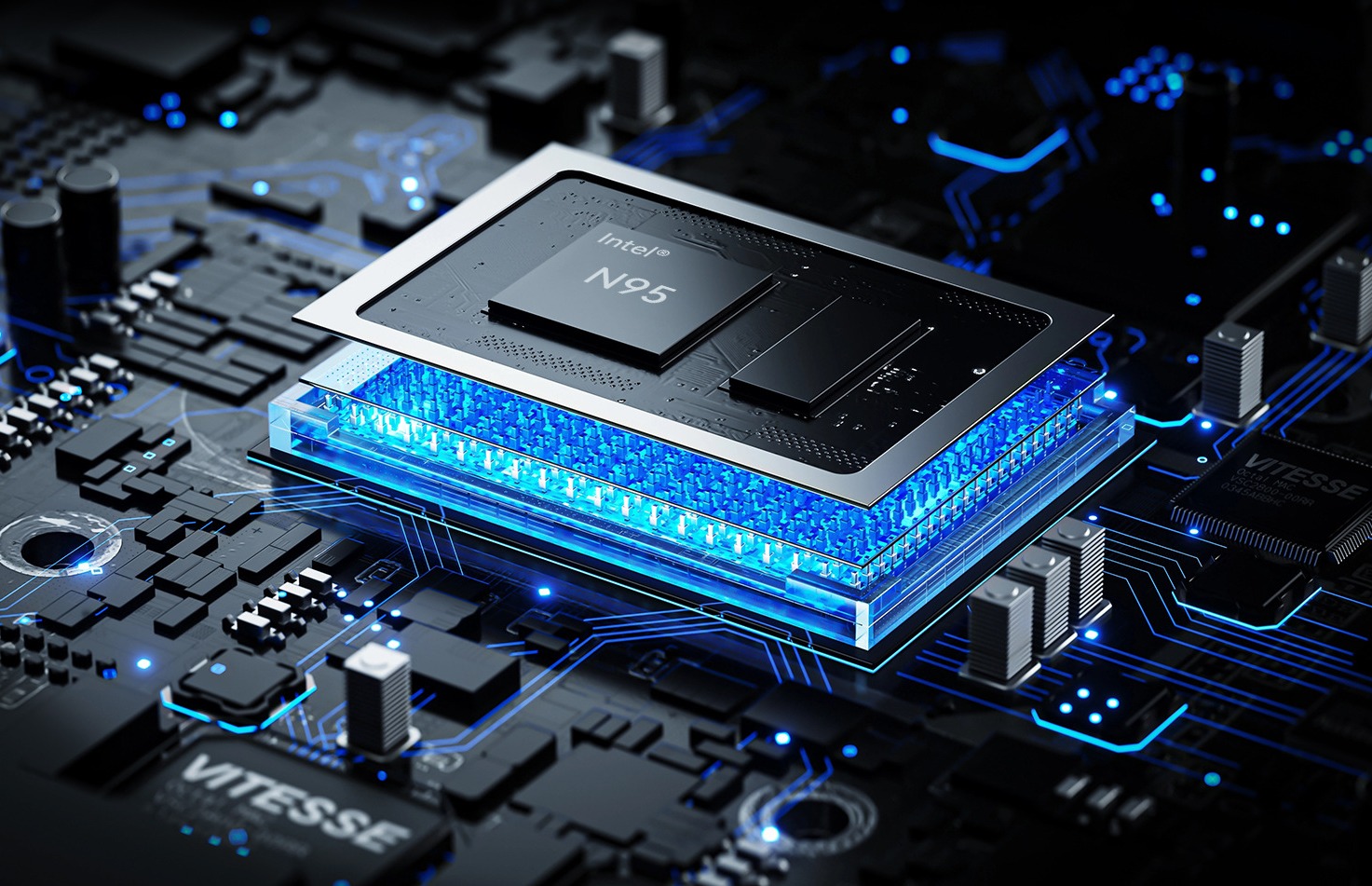
N100 vs N95 Mini PC Performance Comparison
Compare Intel N100 vs N95 mini PCs. See CPU, iGPU, TDP, power draw, gaming, and NAS performance—plus clear buying advice for office, soft router, and light gaming.
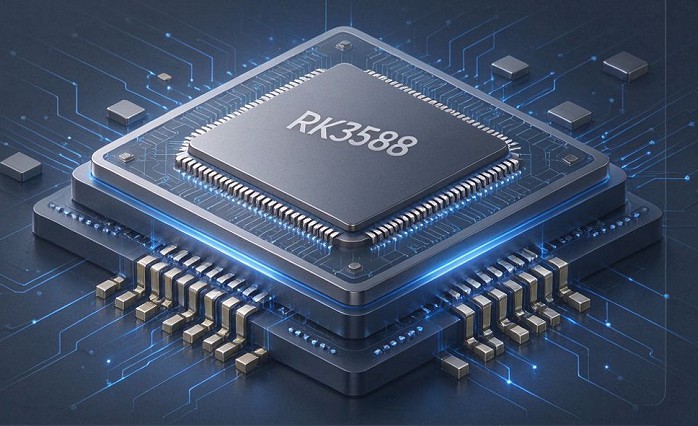
RK3588 vs RK3588S: Key Differences for Edge Computing Boards
Compare RK3588 and RK3588S for edge computing. Learn PCIe, SATA, Ethernet, and MIPI interface differences to choose the right board for your project’s expansion needs.
Adreamer

© 2012-2025 Copyright Shenzhen Adreamer Technology Co., Ltd.粤ICP备18115621号-2
Contact Adreamer Today for Your Custom Solution & Quote!
© 2012-2025 Copyright Shenzhen Adreamer Technology Co., Ltd.粤ICP备18115621号-2













