
Get in Touch
Your Trusted Manufacturer of Laptops & Tablets

WhatsApp Us Directly
+86 13923410269
Email Us
Get in Touch
Your Trusted Manufacturer of Laptops & Tablets

Searching for a mini PC online? You’ll find some labeled “Mini PC” and others called “AI Mini PC.” They look almost identical, but the price can be twice as much. So what’s the actual difference? Is the extra cost worth it?
This is a question many people are asking. Adreamer cuts through the jargon to explain the real differences between AI mini PCs and regular mini PCs, their respective pros and cons, and how to choose without overspending.
A regular Mini PC is simply a “shrunk-down” desktop computer—smaller size, lower power consumption, and sufficient performance for daily office work, web browsing, video streaming, and document processing.
Its core features:
Regular mini PC = a smaller, more energy-efficient office computer that does everything a standard PC does, just in a smaller footprint.
An AI mini PC builds on the regular mini PC by adding an NPU (Neural Processing Unit)—a specialized “accelerator” designed to handle AI tasks efficiently.
Think of it this way: a regular mini PC is like a “generalist employee”—competent at everything, but slow at AI-related work. An AI mini PC gives that employee an “AI expert assistant” dedicated to AI tasks—faster and far more energy-efficient.
The core difference in one sentence:
A regular mini PC can “run AI software,” but an AI mini PC can “run AI well.”
| Dimension | Regular Mini PC | AI Mini PC |
|---|---|---|
| CPU | N-series, i3/i5 low-power – sufficient for daily tasks | Same, but typically newer models with stronger performance |
| NPU (AI Accelerator) | None | Yes (e.g., AMD XDNA, Intel NPU, Rockchip NPU) |
| AI Compute (TOPS) | 0 | 10–50+ TOPS |
| Local AI Model Performance | Extremely slow or unable to run | Smoothly runs 7B–14B large language models |
| 24/7 Power Consumption | 6–30W | 15–45W (slightly higher, still far below desktop) |
| Price | $110–420 | $210–700 |
| Best For | Office, web, media, router, NAS | Office + local AI + future‑proofing |
With the NPU “AI expert assistant,” an AI mini PC can handle four things that regular mini PCs cannot do well (or at all):
① On‑Premise Large Language Model Deployment
② Local AI Image Generation
③ Local Knowledge‑Base Q&A Systems
Build a RAG (Retrieval‑Augmented Generation) knowledge base with company documents stored locally. Employees ask questions, and the AI retrieves answers from internal documents – data stays on‑premise and fully compliant. Without an NPU, these inference tasks would bog down the entire system.
④ Future‑Proofing
Even if you don’t use AI today, buying an AI mini PC is like buying insurance. When AI applications become mainstream, you won’t need to replace your hardware – the NPU will already be there. A regular mini PC, on the other hand, would need a full replacement.
Pros:
Cons:
Pros:
Cons:
| Type | Verdict |
|---|---|
| Regular Mini PC | Cheap, power‑sipping, quiet – great for daily use, but AI‑incapable |
| AI Mini PC | Pay an extra ~$150–200 for local AI capabilities and 2–3 years of relevance |
Comparing two similarly configured mini PCs on the market:
| Item | Regular Mini PC (N305) | AI Mini PC (PB13) |
|---|---|---|
| CPU/Cores | N305 8‑core | Ryzen AI 7 350 8‑core / 16‑thread |
| RAM | 16GB DDR4 | 16GB LPDDR5x |
| NPU Compute | None | 50 TOPS |
| Price | ~$350 | ~$490–560 |
| Price Difference | – | Extra ~$140–210 |
What does the extra money buy you?
Is it worth it? Depends on your needs:
| Your Needs | Recommendation | Budget |
|---|---|---|
| Pure office (Office, browser, chat) | Regular mini PC (N100/N305) | $140–350 |
| Living room HTPC / 4K player | Regular mini PC (N100) | $140–210 |
| Router / NAS / download box | Regular mini PC (N100) | $140–210 |
| Run 7B–13B local models | AI mini PC (PB13) | $490–700 |
| Local AI image generation | AI mini PC (PB13) | $490–700 |
| Enterprise local knowledge base / RAG | AI mini PC (PB13) | $490–700 |
| Want to explore AI but not sure yet | AI mini PC (PB13) | $490–700 |
| Office + future AI reserve | AI mini PC (PB13) | $490–700 |
Q1: What can the NPU in an AI mini PC actually do?
A: The NPU accelerates AI inference tasks, including:
In short, any “intelligent” computing task can be accelerated by the NPU – tens of times faster than CPU, and far more power‑efficient than GPU.
Q2: Can a regular mini PC run Ollama or other LLM software?
A: You can install it, but it won’t run well. A regular mini PC’s CPU generates only 1–2 tokens per second for a 7B model – waiting seconds per word makes conversation impossible. An AI mini PC with NPU acceleration generates 25–35 tokens per second – a world of difference in experience.
Conclusion: Installing software is one thing; running it well is another.
Q3: Can an AI mini PC run AAA games?
A: No. The NPU does not handle graphics rendering – it’s for AI acceleration, not gaming. Gaming performance depends on the integrated GPU (or discrete GPU). Current AI mini PCs can handle games like League of Legends or Genshin Impact on low settings, but not AAA titles like Black Myth: Wukong or Cyberpunk 2077.
Q4: Does an AI mini PC consume a lot of power?
A: No. Take the Adreamer PB13 as an example – standard TDP is only 28W. Running 24/7 for a year costs less than $30 in electricity – over 80% more energy‑efficient than a desktop PC.
Q5: Can an AI mini PC run Windows?
A: Yes. AI mini PCs come with Windows 11 (or Ubuntu) pre‑installed – they work exactly like a regular computer for daily tasks. The NPU is accessible via DirectML or vendor SDKs in Windows, and mainstream AI software supports it.
Q6: I don’t know how to code – can I still use an AI mini PC?
A: Yes. For AI features, we recommend using Ollama or LM Studio – they have graphical interfaces. Download models, start conversations – all with point‑and‑click, no coding required.
Q7: How long will an AI mini PC last?
A: The hardware itself can last 5–8 years. On the AI side, 50 TOPS of compute will be sufficient for mainstream 7B–13B models for 2‑3 years. If future models become much larger (e.g., 70B), you can upgrade then – but at least you won’t be obsolete in the next 2‑3 years.
Q8: Can an AI mini PC be mounted behind a monitor?
A: Yes. Most AI mini PCs support VESA mounts, so you can attach them to the back of your monitor – instantly turning it into an all‑in‑one, with zero desktop footprint.
Q9: Can I add an NPU to a regular mini PC later?
A: No. The NPU is soldered onto the motherboard – it’s not a plug‑in module like RAM or storage. If you don’t have it at purchase, you never will. So “whether to pay for AI” is a decision you need to make now.
Q10: Should I buy an AI mini PC now or wait?
A: Depends on your urgency:
Industry-Specific Solutions
Latest Blog
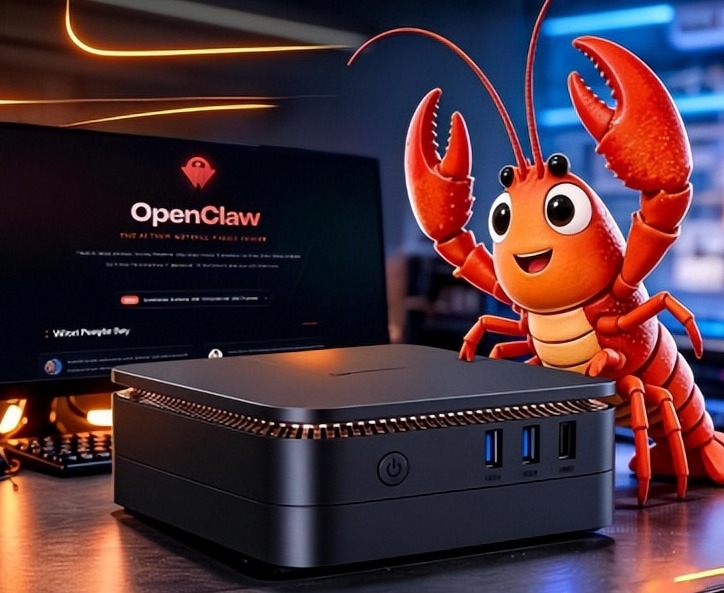
What AI Mini PC Do You Need for Private Local LLM Deployment?
Learn what AI mini PC specs you need for private deployment of local LLMs: memory, NPU, storage, offline capability, and configuration recommendations for 7B–70B models.

How to Choose an Edge Computing Box Manufacturer: ODM/OEM Guide
Learn how to evaluate edge computing box manufacturers. Compare source factories, ODM/OEM models, MOQ, certifications, and customization to find the right partner.
How to Choose an AI Mini PC in 2026: NPU & Memory Buying Guide
A practical guide to choosing an AI mini PC in 2026. Learn how to match NPU TOPS, memory capacity, and bandwidth to your workload, avoid common pitfalls, and pick the right configuration.
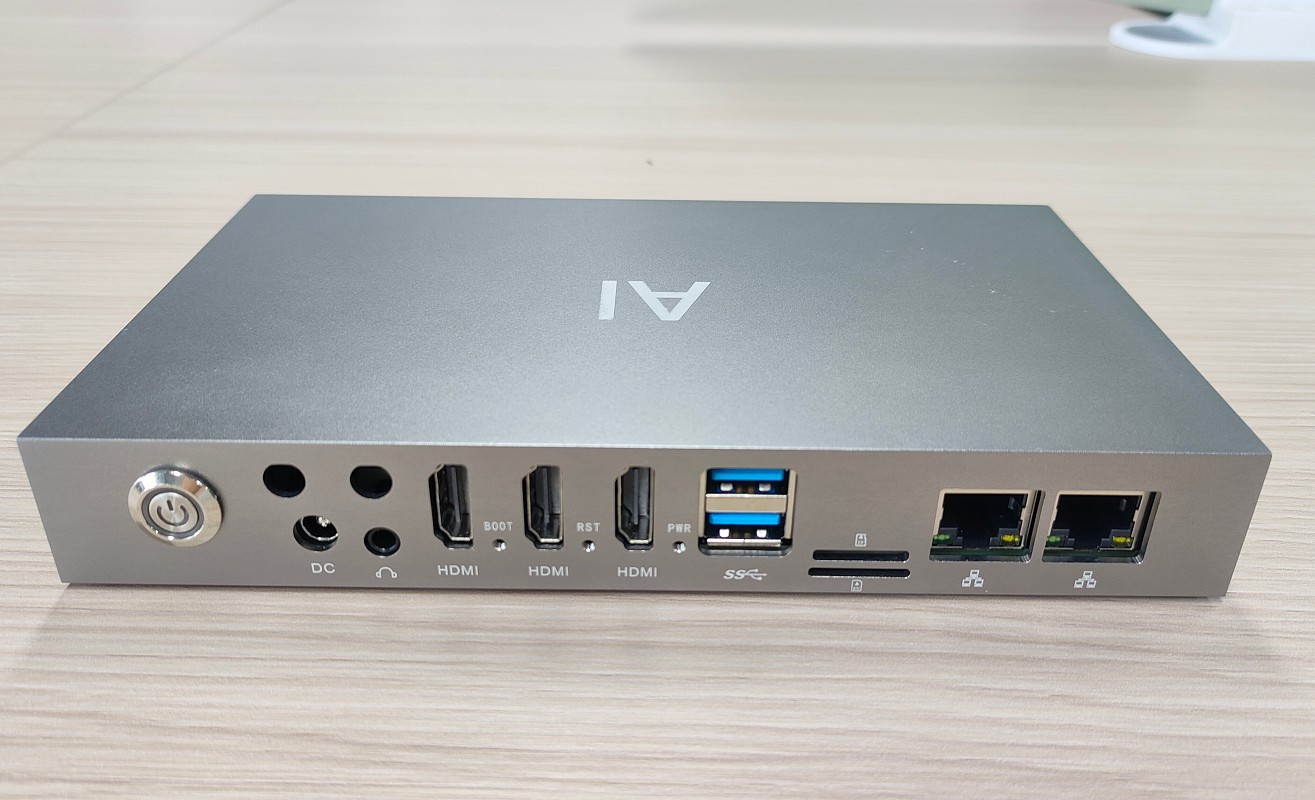
How to Partner with an Edge Box Manufacturer
Complete OEM/ODM process for edge computing boxes – from requirements and factory vetting to sample sign‑off, pilot runs, and bulk delivery. Includes contract tips and IP protection.
Adreamer

© 2012-2025 Copyright Shenzhen Adreamer Technology Co., Ltd.粤ICP备18115621号-2
Contact Adreamer Today for Your Custom Solution & Quote!
© 2012-2025 Copyright Shenzhen Adreamer Technology Co., Ltd.粤ICP备18115621号-2













