
Get in Touch
Your Trusted Manufacturer of Laptops & Tablets

WhatsApp Us Directly
+86 13923410269
Email Us
Get in Touch
Your Trusted Manufacturer of Laptops & Tablets

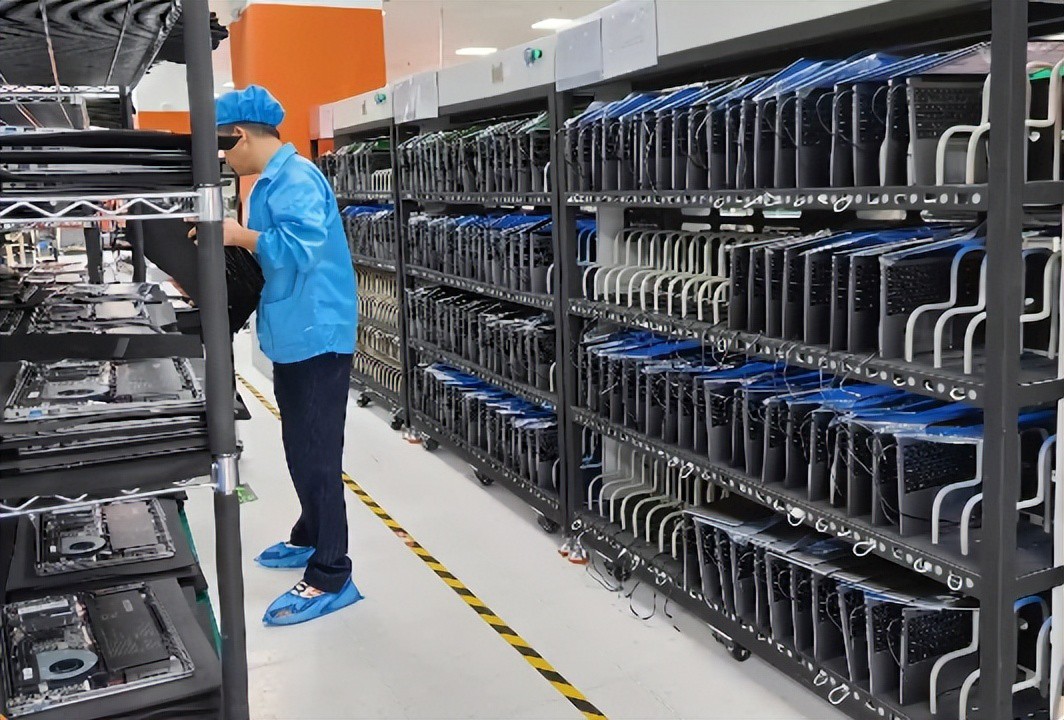
“We purchased 500 laptops for our schools. Within six months, 30% had swollen batteries and screen flickering. The supplier refused warranty, citing ‘improper use.’” – A real story from a procurement officer at a Southeast Asian education institution.
For businesses, educational institutions, or distributors, buying laptops in bulk is not a one‑off transaction. Choosing the wrong supplier can lead to reduced employee productivity, delayed teaching schedules, project failures, data loss, and even legal disputes.
Unlike individual consumers, institutional buyers need to focus on long‑term stability, batch consistency, customization capabilities, global logistics, and after‑sales service. However, the market is flooded with suppliers: some call themselves “original factories” but are merely traders; others quote extremely low prices but cut corners on materials; still others promise “global warranty” but have no service centers anywhere.
So how do you screen for a truly reliable laptop supplier?
Depending on where you sell or use the laptops, the supplier must have the ability to provide products with these certifications:
| Market | Required Certifications |
|---|---|
| European Union | CE (LVD, RED), RoHS, REACH |
| United States | FCC Part 15 (wireless), FCC Part 18 (industrial), UL safety |
| United Kingdom | UKCA (post‑Brexit replacement for CE) |
| Canada | ISED (formerly IC) |
| Japan | TELEC, PSE |
| Australia / New Zealand | RCM |
| China | CCC (only if selling into China) |
Warning: Some trading companies borrow certificates from their partner factories but have no manufacturing capability themselves. Always insist on a factory audit.
Laptop manufacturing involves SMT placement, motherboard testing, final assembly, burn‑in testing, and other precision steps. Production line capability directly determines lead time and product consistency.
Pick‑and‑place machine brand: Panasonic, Fuji, Siemens – precision of ±0.02mm, able to handle 0201 micro‑components.
Number of lines: At least 4; otherwise, capacity may be insufficient during peak seasons.
Inline inspection: Each SMT line must have AOI (Automated Optical Inspection) and SPI (Solder Paste Inspection) to prevent cold joints and solder bridges.
Number of assembly lines: At least 5 recommended, supporting simultaneous production of multiple models.
Burn‑in room: Must be present with sufficient capacity. Every laptop should undergo at least 24‑48 hours of high‑temperature (45‑50°C) burn‑in to expose early failures.
Functional test stations: Test each unit’s keyboard, touchpad, camera, Wi‑Fi, Bluetooth, USB ports, battery charge/discharge, etc.
Enterprise buyers often need custom logos, pre‑installed software, and configuration changes. A good supplier should have:
On‑site audit tips: When visiting the factory, observe whether workers wear anti‑static wrist straps, whether work instructions are posted at each station, and whether equipment maintenance records are complete.
The biggest risk in bulk procurement is that the pilot units are perfect but mass production units are substandard. Therefore, the supplier’s quality system must cover the entire process from incoming materials to finished goods.
Critical components (CPU, RAM, SSD, screen, battery): Must be 100% inspected or subjected to stringent sampling (AQL 0.65).
The supplier should provide a list of approved component brands and commit never to use “reclaimed,” “counterfeit,” or “used” parts.
Batteries must have UN38.3 (transport safety) and IEC 62133 (cell safety) test reports.
SMT first‑article verification: The first unit of each shift must be double‑checked by AOI and human inspection to prevent batch errors.
Inline testing: ICT (In‑Circuit Test) for open/short circuits; FCT (Functional Test) for buttons, display, charging, etc.
ESD protection: Production line grounding resistance <1Ω; workers wear anti‑static wrist straps with regular testing.
Burn‑in test: 100% of units undergo 24‑48 hour high‑temperature aging.
Full functional test: Test every unit’s ports, network, camera, audio, etc.
Cosmetic inspection: Check for scratches, color difference, and logo silkscreen under standard D65 lighting.
AQL sampling: Use international standards (e.g., critical defects: accept 0, reject 1; major defects: accept 1, reject 2).
A good supplier should have its own lab with the following capabilities:
Key metrics: Ask for the supplier’s First Pass Yield (FPY) and customer complaint rate for the last 3 months. FPY ≥98% and complaint rate <1% are excellent.
Institutional buyers often need custom BIOS boot logos, pre‑installed system images, modified power policies, or even special ports. The supplier’s R&D team capability directly impacts project timelines.
Basic: Logo silkscreen, boot animation, pre‑installed software, custom packaging.
Intermediate: Modify BIOS settings (e.g., disable USB boot, set password policy), custom recovery partition, pre‑load MDM (Mobile Device Management) client.
Deep: Add industrial ports (RS232, RJ45), customize battery capacity, reinforce housing for rugged requirements.
Hardware engineers: At least 5, able to modify schematics and PCB layout.
Firmware/software engineers: At least 5, able to customize BIOS, drivers, and system images.
Mechanical engineers: At least 3, able to modify plastic/metal molds.
Feasibility assessment: Provide technical feasibility report within 48 hours.
Engineering prototype: Deliver within 15‑30 days.
Issue resolution: Minor issues – solution within 24 hours; major issues – within one week.
Test method: Give the supplier a real customization request (e.g., “pre‑load our software and disable Windows automatic updates”) and evaluate their response professionalism and speed.
Laptops are corporate assets with a typical lifespan of 3‑5 years. After‑sales quality directly affects Total Cost of Ownership (TCO).
The supplier must provide a written commitment to supply critical spare parts (motherboard, screen, battery, fan) for at least 5 years after product end‑of‑life. This prevents entire units from being scrapped due to part shortages.
From receiving a faulty unit to shipping it back: ≤7 business days.
For bulk orders, negotiate a spare pool – 2‑3% of the order quantity as loaner units to use during repairs.
Verification method: Ask the supplier for after‑sales case records from the last year, including fault types, average response time, and customer satisfaction. Contact 1‑2 existing customers (preferably in the same region or industry) to verify.
| Dimension | Weight | Core Assessment Points | Max Score |
|---|---|---|---|
| Certifications | 20% | ISO9001, target market certs (CE/FCC/etc.), paid‑in capital | 20 |
| Production Line Capability | 20% | ≥4 SMT lines, burn‑in room, flexible manufacturing | 20 |
| Quality Control System | 25% | IQC/IPQC/OQC, FPY≥98%, in‑house lab | 25 |
| R&D Responsiveness | 15% | Customization ability, team size, prototype lead time | 15 |
| After‑Sales Support | 20% | 5‑year spare parts, ≤7‑day repair, warranty terms | 20 |
| Total | 100% | 100 |
Scoring guide:
Bulk laptop procurement is not a one‑off transaction but a multi‑year partnership. A truly reliable supplier delivers on time, responds quickly when problems arise, and provides spare parts support years later.
By systematically evaluating suppliers across certifications, production line capability, quality control, R&D responsiveness, and after‑sales support, you can significantly reduce procurement risk. We strongly recommend that before signing a contract, you arrange a factory audit, meet face‑to‑face with the production, quality, and after‑sales teams, and incorporate key commitments (e.g., spare parts supply duration, repair turnaround time, delay penalties) into the written contract.
Industry-Specific Solutions
Latest Blog
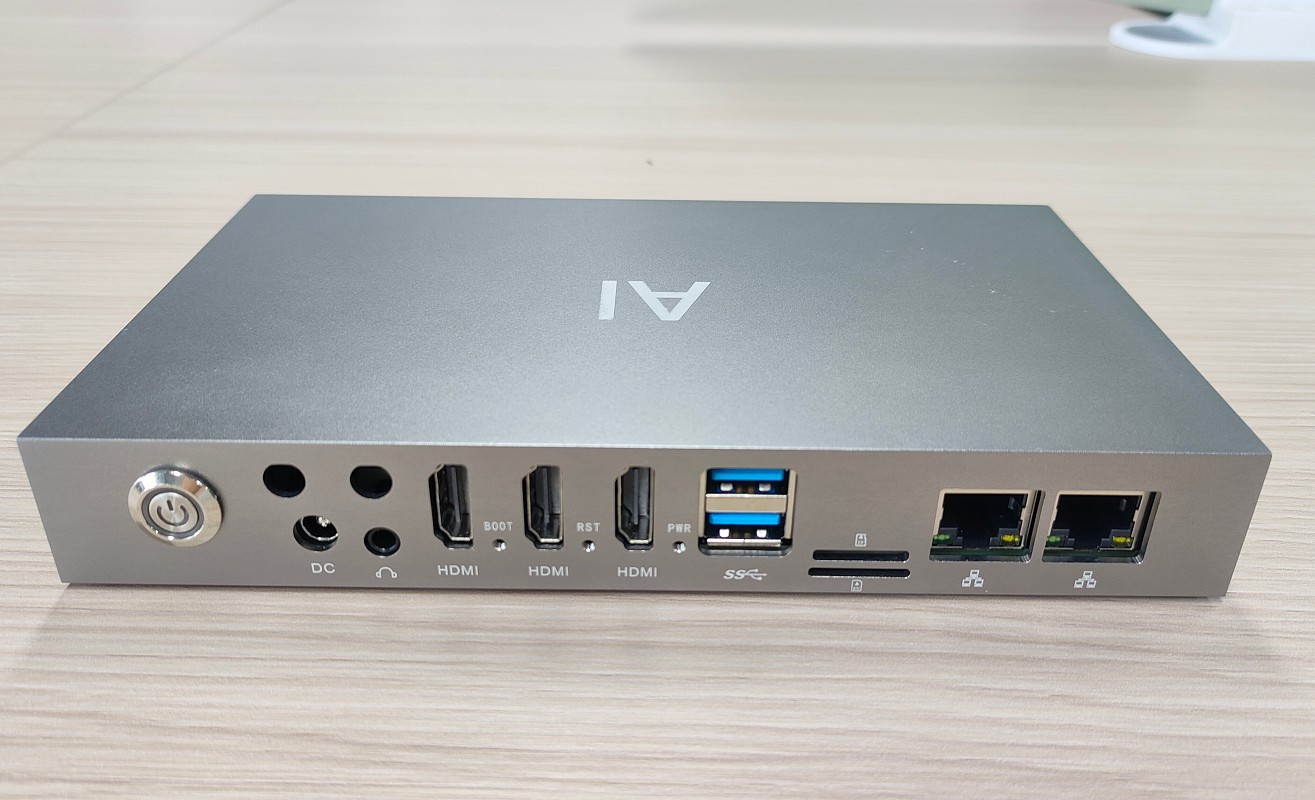
How to Partner with an Edge Box Manufacturer
Complete OEM/ODM process for edge computing boxes – from requirements and factory vetting to sample sign‑off, pilot runs, and bulk delivery. Includes contract tips and IP protection.
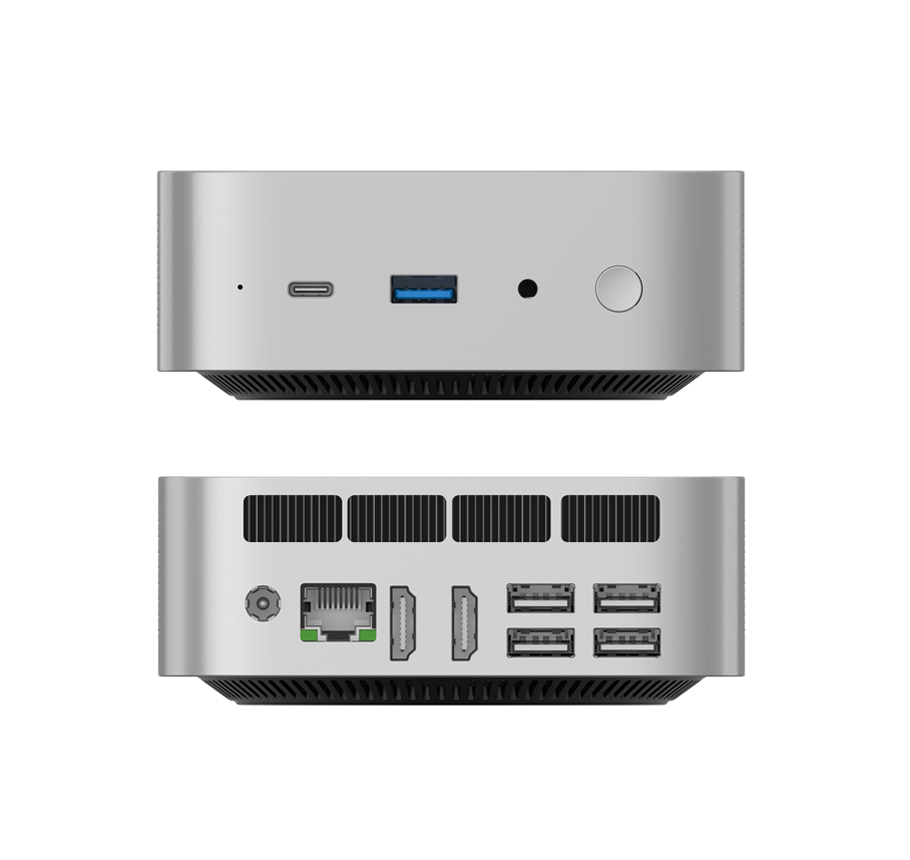
What Is an Edge Box? Compare with PC, AI Mini PC & Edge Server
What is an edge box and how does it differ from a regular PC, AI mini PC, or edge server? This guide explains edge box features, use cases, and selection criteria for AI inference at the edge.

What to Look for When Buying AI Mini PCs in Bulk
Bulk AI mini PC procurement requires more than specs. Learn about sustained performance, thermal design, memory capacity, software ecosystem, after‑sales support, and total cost of ownership.

NPU Explained: How TOPS Affects Local LLM Performance on AI Mini PCs
What is an NPU and how much does TOPS really matter for running local large language models? This guide breaks down NPU vs CPU/GPU, memory bandwidth, capacity, and software optimization – so you can choose the right AI Mini PC.
Adreamer

© 2012-2025 Copyright Shenzhen Adreamer Technology Co., Ltd.粤ICP备18115621号-2
Contact Adreamer Today for Your Custom Solution & Quote!
© 2012-2025 Copyright Shenzhen Adreamer Technology Co., Ltd.粤ICP备18115621号-2













