
Get in Touch
Your Trusted Manufacturer of Laptops & Tablets

WhatsApp Us Directly
+86 13923410269
Email Us
Get in Touch
Your Trusted Manufacturer of Laptops & Tablets

For IT departments managing bulk laptop procurement, the biggest headaches are not specs and configurations. The real questions are: Is security robust enough? Can remote management unify operations across the fleet? How quickly can a broken device be repaired? And what is the true 5‑year total cost of ownership?
The market offers many commercial laptop brands, each claiming “enterprise‑grade.” But when you actually deploy at scale, you discover: some lack vPro support, others have sub‑standard TPM versions, some have painfully slow after‑sales response, and others carry hidden costs that strain your budget.
This guide is tailored for enterprise IT decision‑makers. It provides a side‑by‑side comparison of six mainstream commercial laptop manufacturers – Lenovo, HP, Dell, Apple, Microsoft, and ASUS – across five quantifiable dimensions: security chips (TPM 2.0 / Pluton), vPro/AMD PRO compatibility, remote management protocols, warranty response times, and 5‑year TCO modeling data. Use this as your data‑driven decision framework.
Consumer buyers look at performance, screen, and price. Enterprise IT must consider:
Security: Data leakage prevention, hard drive encryption, biometrics, security chip certification
Manageability: Can we remotely configure, update BIOS, diagnose faults, or even recover the OS at scale?
Service assurance: How soon after a failure can we get on‑site repair? Is spare parts inventory adequate?
Total Cost of Ownership (TCO): The purchase price is only ~20% of total costs; the rest comes from management, repairs, depreciation, and end‑of‑life disposal.
Choose right, and you save a car’s worth of IT labor over three years. Choose wrong, and a single security incident can cost several years of procurement budget.
| Dimension | Lenovo | HP | Dell | Apple | Microsoft | ASUS |
|---|---|---|---|---|---|---|
| TPM 2.0 | Full lineup | Full lineup | Full lineup | Apple T2 / M‑series security (equivalent) | Pluton (Surface Pro 9+) | Commercial models |
| Pluton | Select ThinkPad Z series | Select EliteBook | Select Latitude | N/A | All Surface devices | Not yet |
| vPro Support | ThinkPad full range optional | EliteBook full range optional | Latitude 5000/7000 optional | Not supported | Surface Pro/Book (select) | ExpertBook (select) |
| AMD PRO | ThinkPad T/X optional | EliteBook 805 series optional | Latitude 5000 series optional | N/A | None | ExpertBook (select) |
| Remote Management | Intel AMT, Lenovo DMC | Intel AMT, HP Sure Admin | Intel AMT, Dell Command | MDM + Apple Remote Desktop | Microsoft Intune | Intel AMT (high‑end only) |
| Standard Warranty | 1‑ or 3‑year on‑site | 1‑ or 3‑year on‑site | 1‑ or 3‑year on‑site | 1‑year limited (mail‑in) | 1‑year limited (mail‑in) | 2‑year carry‑in |
| Premium Service | Premier Support (4h response) | HP Gold Service (4h) | ProSupport (next‑business‑day) | AppleCare (next‑day mail‑in) | Microsoft Complete | No enterprise premium |
| 5‑Year TCO (est.) | Low‑mid | Mid | Mid | High | Mid‑high | Mid |
Note: TCO includes procurement, maintenance, management, depreciation, and disposal. Detailed figures below.
TPM 2.0 (Trusted Platform Module)
Standard: Industry‑wide, used for Windows BitLocker encryption, system boot integrity measurement.
Availability: All commercial laptops include it.
Our six brands: Lenovo/HP/Dell/ASUS commercial lines – 100% support; Apple uses its own security chip; Microsoft Surface – all models support.
Pluton (co‑developed by Microsoft and chip vendors)
Features: Integrated directly into the CPU, harder to physically attack, can replace TPM.
Advantage: Deep integration with Windows 11 for higher security.
Current support:
Enterprise recommendations:
For general office, non‑high‑security environments → TPM 2.0 is sufficient.
For finance, government, military, R&D IP protection → prioritize Pluton + TPM dual‑security models.
Intel vPro Platform
Core capability: Intel AMT (Active Management Technology) enables out‑of‑band management – even if the OS crashes or the hard drive fails, as long as there is a network connection (Ethernet or Wi‑Fi), you can remotely power on, enter BIOS, reinstall the OS, and diagnose hardware.
Supported brands:
AMD PRO Platform
Core capabilities: AMD Memory Guard, DASH management protocol (an open standard similar to AMT).
Supported brands:
Remote Management Protocol Comparison
| Brand | Proprietary Management Suite | Standard Protocol | Out‑of‑Band Capability |
|---|---|---|---|
| Lenovo | Lenovo DMC (Device Management Console) | Intel AMT / DASH | Full (requires vPro) |
| HP | HP Sure Admin, HP Manageability Integration Kit | Intel AMT / DASH | Full (requires vPro/AMD PRO) |
| Dell | Dell Command | Intel AMT / DASH | Full (requires vPro) |
| Apple | MDM (JAMF, Mosyle, etc.) + Apple Remote Desktop | None | OS‑level only, no out‑of‑band |
| Microsoft | Microsoft Intune | Intel AMT (select models) | Limited (cloud‑dependent) |
| ASUS | ASUS Control Center | Intel AMT (high‑end only) | Limited |
Enterprise recommendations:
For >100 laptops distributed across multiple sites → vPro or AMD PRO is essential, otherwise remote operational costs will explode.
For pure macOS environments → bind to an MDM solution; out‑of‑band relies on Apple Remote Management (requires the system to be booted).
An hour of downtime for a business laptop can cost an order, a client interaction, or critical production data.
Warranty Policy Comparison
| Brand | Base Warranty | Premium Service | Response Time | Coverage |
|---|---|---|---|---|
| Lenovo | 1‑ or 3‑year on‑site | Premier Support | 4‑hour response, next‑business‑day on‑site | Nationwide (city and above) |
| HP | 1‑ or 3‑year on‑site | HP Gold Service | 4‑hour response, same/next‑day on‑site | Major cities nationwide |
| Dell | 1‑ or 3‑year on‑site | ProSupport Plus | Next‑business‑day on‑site (4‑hour optional) | ~2,100+ service points nationwide |
| Apple | 1‑year limited (mail‑in) | AppleCare+ | Next‑day mail‑in; no on‑site | Apple stores in major cities |
| Microsoft | 1‑year limited (mail‑in) | Microsoft Complete | Mail‑in, about 3‑5 days | Authorized service centers |
| ASUS | 2‑year carry‑in | No enterprise premium | Customer carry‑in or mail‑in | National service points |
Real‑world data (from surveys of 200 enterprise IT teams):
Enterprise recommendations:
We model the total cost of ownership for a 100‑unit laptop fleet over 5 years.
Assumptions:
Estimated 5‑Year TCO per Unit (USD)
| Brand | Purchase Price | 5‑Year Warranty Cost | 5‑Year Management Cost | Downtime Loss | Residual/Disposal | Total TCO |
|---|---|---|---|---|---|---|
| Lenovo (vPro + 3‑yr Premier) | $1,180 | $167 | $250 | $83 | -$28 | $1,652 |
| HP (vPro + 3‑yr Gold) | $1,194 | $181 | $250 | $81 | -$28 | $1,678 |
| Dell (vPro + 3‑yr ProSupport) | $1,208 | $188 | $250 | $76 | -$28 | $1,694 |
| Apple (M2 + 3‑yr AppleCare) | $1,667 | $250 | $347 (MDM licensing) | $56 | -$42 | $2,278 |
| Microsoft (Surface + 3‑yr Complete) | $1,528 | $208 | $278 (Intune) | $69 | -$35 | $2,048 |
| ASUS (no vPro + 2‑yr carry‑in) | $1,042 | $125 | $333 (lower management efficiency) | $167 | -$21 | $1,646 |
Note: Downtime loss estimated as 1 hour of lost productivity per failure × $14/hour × average number of failures. ASUS has higher loss due to no out‑of‑band management and longer repair turnaround.
Key Conclusions:
Lenovo, HP, and Dell have very similar TCO (~$1,650‑1,700), so the decision should hinge on local service coverage and reputation.
Apple has the highest TCO (16‑18% more), making it suitable only for creative/development teams with special security and ecosystem needs – not for general office use at scale.
Microsoft Surface sits in between, but management relies heavily on Intune, making it ideal for enterprises deeply embedded in the Microsoft ecosystem.
ASUS appears cheaper upfront, but hidden management costs and downtime losses push its TCO close to the others – only suitable for small businesses with minimal management needs.
Large Enterprises (500+ endpoints, multi‑site)
Mid‑sized Enterprises (50‑500 endpoints)
Creative/Development Teams (design, video, AI)
Microsoft Ecosystem‑Heavy Enterprises (Office 365, Teams, Intune)
Before signing any procurement contract, confirm these questions:
Enterprise laptop selection is essentially a three‑way balancing act between security, manageability, and service.
Each of the six manufacturers has its strengths – there is no absolute “best.” Use this comprehensive evaluation to run your next IT review meeting, and you will deliver a procurement proposal that earns CFO approval, CTO satisfaction, and a happy operations team.
Industry-Specific Solutions
Latest Blog
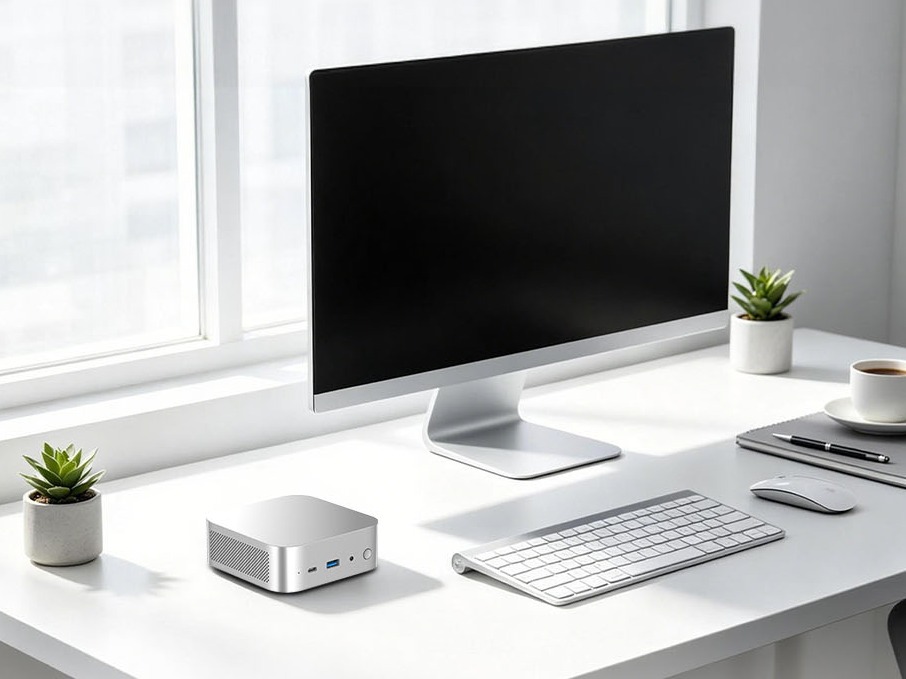
How to Choose an AI Mini PC in 2026: NPU & Memory Buying Guide
A practical guide to choosing an AI mini PC in 2026. Learn how to match NPU TOPS, memory capacity, and bandwidth to your workload, avoid common pitfalls, and pick the right configuration.
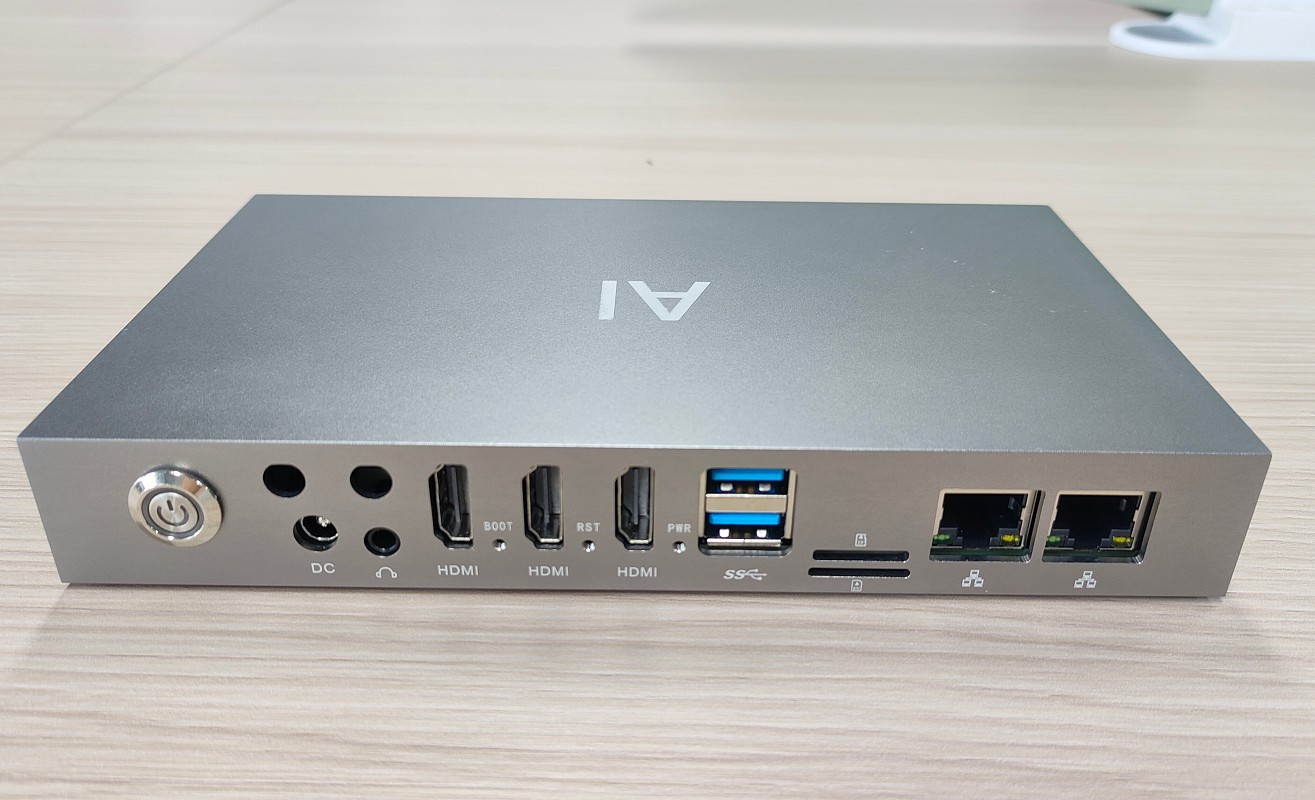
How to Partner with an Edge Box Manufacturer
Complete OEM/ODM process for edge computing boxes – from requirements and factory vetting to sample sign‑off, pilot runs, and bulk delivery. Includes contract tips and IP protection.
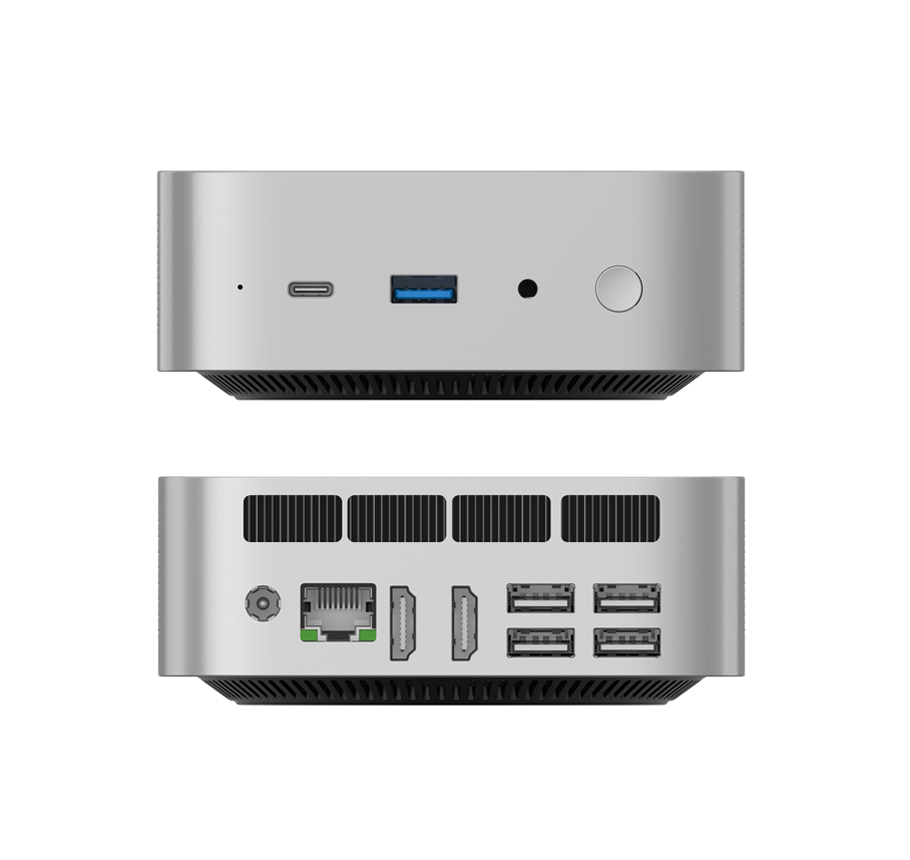
What Is an Edge Box? Compare with PC, AI Mini PC & Edge Server
What is an edge box and how does it differ from a regular PC, AI mini PC, or edge server? This guide explains edge box features, use cases, and selection criteria for AI inference at the edge.

What to Look for When Buying AI Mini PCs in Bulk
Bulk AI mini PC procurement requires more than specs. Learn about sustained performance, thermal design, memory capacity, software ecosystem, after‑sales support, and total cost of ownership.
Adreamer

© 2012-2025 Copyright Shenzhen Adreamer Technology Co., Ltd.粤ICP备18115621号-2
Contact Adreamer Today for Your Custom Solution & Quote!
© 2012-2025 Copyright Shenzhen Adreamer Technology Co., Ltd.粤ICP备18115621号-2













