
Get in Touch
Your Trusted Manufacturer of Laptops & Tablets

WhatsApp Us Directly
+86 13923410269
Email Us
Get in Touch
Your Trusted Manufacturer of Laptops & Tablets

As children enter the crucial 7-10 year age range in elementary school, a world of knowledge unfolds before them. Traditional books blend with digital resources covering phonics, multiplication, English vocabulary, and science. Many parents ponder: should we get a learning tablet? Faced with a market flooded with options—from budget ‘toy tablets’ to premium ‘flagship learning devices’—we must ask: what truly defines the best learning tablet for a 7-10 year old? It shouldn't just be a lock to restrict games, but an intelligent learning companion that guides exploration, protects well-being, and grows with your child.
This guide builds a clear evaluation framework based on educational principles, child development, and real-world use. We'll analyze popular representative products to provide practical, useful reference points for your decision.
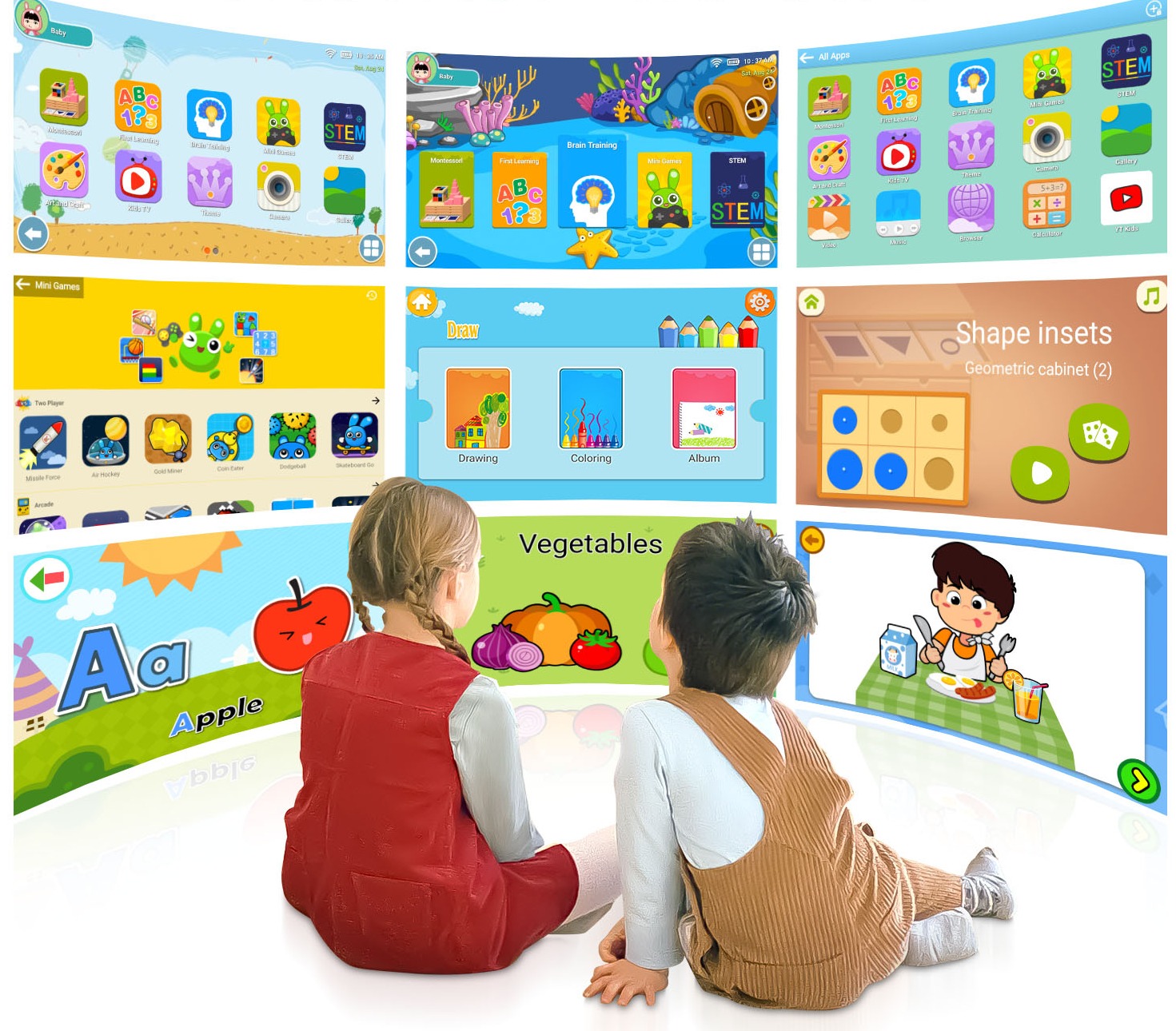
Children aged 7-10 are transitioning from concrete to more formal operational thinking. Their attention span lengthens, and their sense of autonomy grows, but self-control and judgment are still maturing. A well-designed learning tablet must accurately address three core needs:
Therefore, the best learning tablet is essentially a deep integration of three elements: ‘superior hardware protection + scientific software management + high-quality, age-appropriate content.’
Evaluate any learning tablet against these five dimensions:
Eye-Protecting Screen Tech,Paper-like screens AG etched or nano-textured are currently the top solution, effectively eliminating glare and simulating paper's matte texture—far more effective than basic blue light filter modes. Next, choose an HD IPS screen with authoritative certifications like TÜV Rheinland Low Blue Light and Flicker-Free. Resolution e.g., 1920x1200 must be sufficient to prevent eye strain from blurry text.
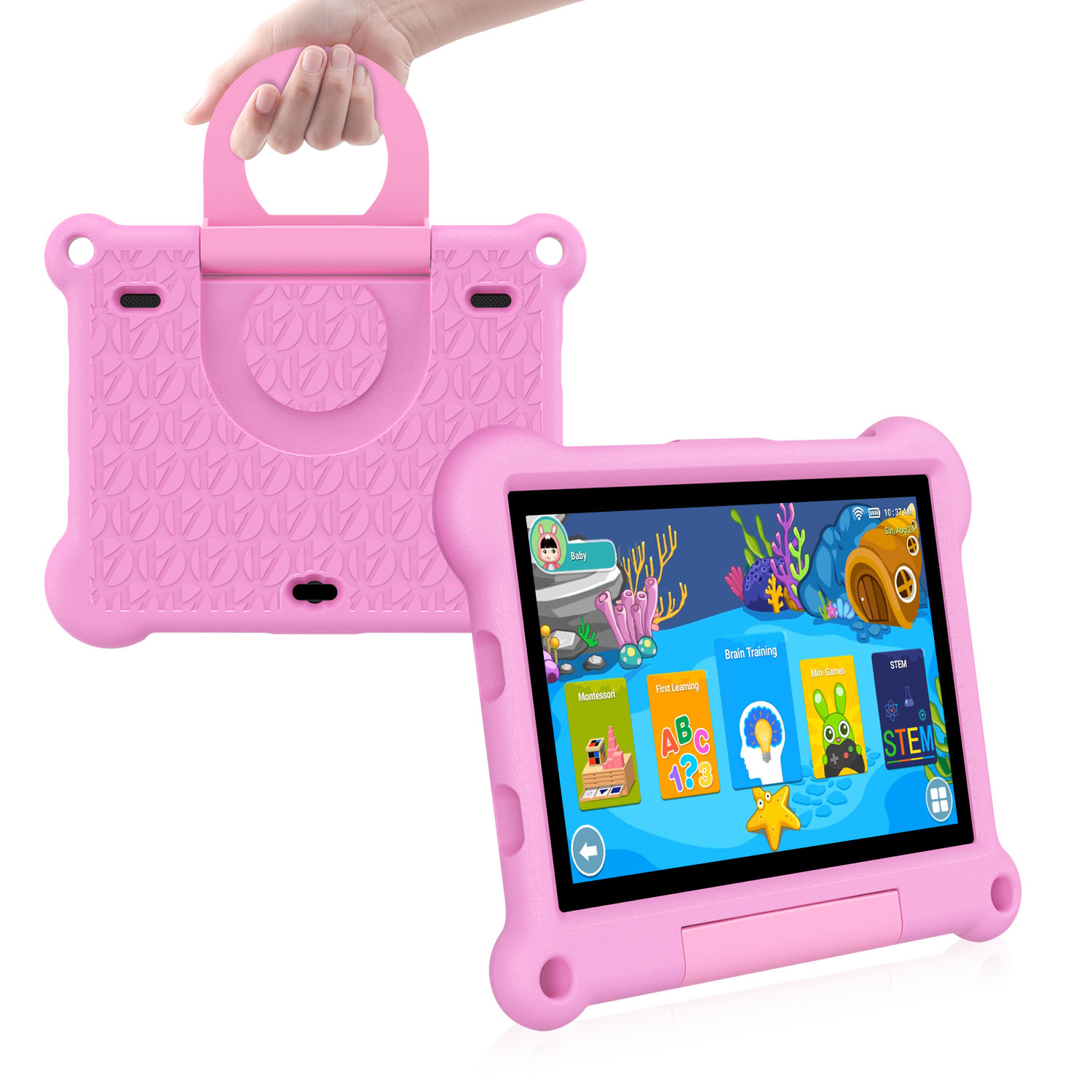
The body should have rounded edges, using durable, drop-resistant materials e.g., high-quality ABS with a TPU silicone case. Weight must be moderate for comfortable long-term use.
Built-in distance sensors and posture reminder cameras are major pluses for correcting bad habits in real-time.
An excellent system should offer: ① Granular time management per app and time slot; ② Remote real-time viewing and locking; ③ One-click app installation approval; ④ Usage reports to understand your child's learning patterns.
A closed or semi-closed system customized for learning e.g., a deeply customized Android version blocks irrelevant games and ads at the root. The system must run smoothly without lag over time.
Supports creating independent profiles for different children, with interfaces and content difficulty adjustable by age e.g., 7-8, 9-10, enabling one device that grows with your child.
Check if built-in resources sync with mainstream textbook editions or are developed with recognized educational institutions or renowned teachers. Content must accurately cover core knowledge for grades 1-4.
Does it have an AI precision learning feature? Can it identify knowledge gaps through short quizzes and create a personalized learning path, avoiding ineffective practice?
Beyond core subjects, look for quality programming basics, science experiments, art, and extensive reading materials to support well-rounded growth.
The processor e.g., mid-range Snapdragon or MediaTek and RAM 4GB minimum recommended should ensure smooth performance for 2-3 years. Storage 64GB minimum, expandable must hold plenty of learning materials.
Does it support 4G LTE? This is crucial for independent use, outdoor learning, or studying on the go. Wi-Fi 6 and USB-C are modern essentials.
A clear front camera 5MP+ is vital for AI homework checking, speaking practice, and online classes. Dual speakers enhance the experience for video lessons.
Brands with long-term experience in education typically have deeper content libraries and pedagogical understanding.
Does the brand promise long-term content updates and OTA system upgrades? What is the hardware warranty? This affects the device's ‘lifecycle value.’
Based on these dimensions, here’s an analysis of representative market models:
①The All-Round Flagship: iFlytek AI Learning Pad X Series
②The Balanced All-Rounder: Xiaodu Paper-like Eye Protection Learning Pad
③The Professional Manufacturer's Solution – Example: Adreamer Kidspad10
For users prioritizing specific configurations, high cost-effectiveness, or customization needs e.g., schools, resellers, opting for a mature solution from a professional learning tablet manufacturer is a smart choice.
Take the Adreamer Kidspad10 as an example, which clearly demonstrates this pragmatic approach:

Choosing the best learning tablet for a 7-10 year old has no single right answer. Whether you select a feature-rich flagship or a practical, value-oriented model like the Adreamer Kidspad10, the final criteria should always come back to your child. Does it integrate safely and healthily into their life? Does it effectively support their learning? Does it spark their curiosity to explore the world?
Technology's essence is empowerment. An ideal learning tablet should be a vessel in your child's hands, helping them navigate the sea of knowledge more independently, safely, and joyfully. Parents, you remain the captains, using love and thoughtful rules to steer the course.
Industry-Specific Solutions
Latest Blog
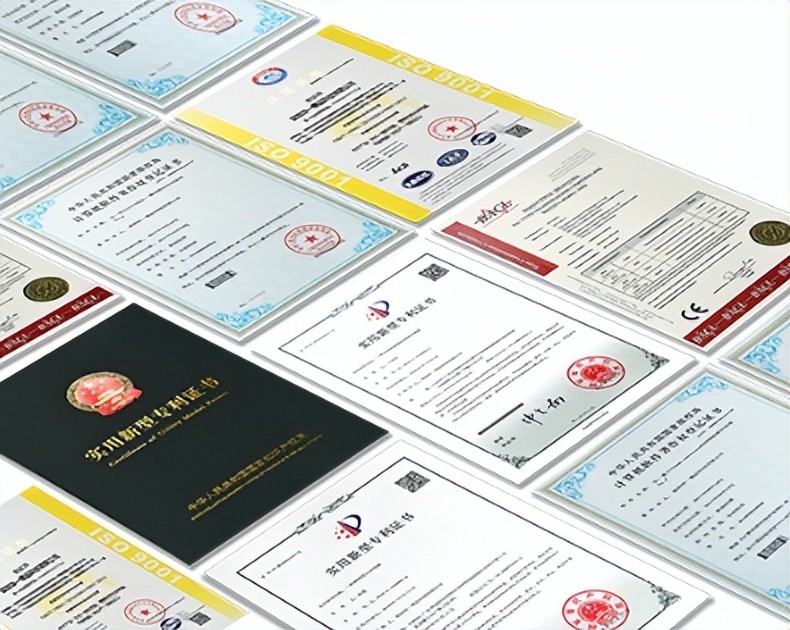
AI Compute Box Bulk Procurement: 3C, CE, FCC Certification Guide
Learn the key certification requirements for bulk buying AI compute boxes. Covers 3C, CE, FCC compliance, common pitfalls, and how to verify certificates to avoid legal risks.

RK3588 vs N100: Which Is Better for Local LLM Deployment?
Compare RK3588 and N100 for running local LLMs. See real-world token speeds, power, memory, software support, and which chip fits your AI workload.

Edge AI Box vs Cloud Server:Which Is Cheaper Long-Term?
A detailed TCO comparison of edge AI boxes and cloud servers. Covers hardware, bandwidth, power, and O&M costs, with break-even analysis and a decision checklist.
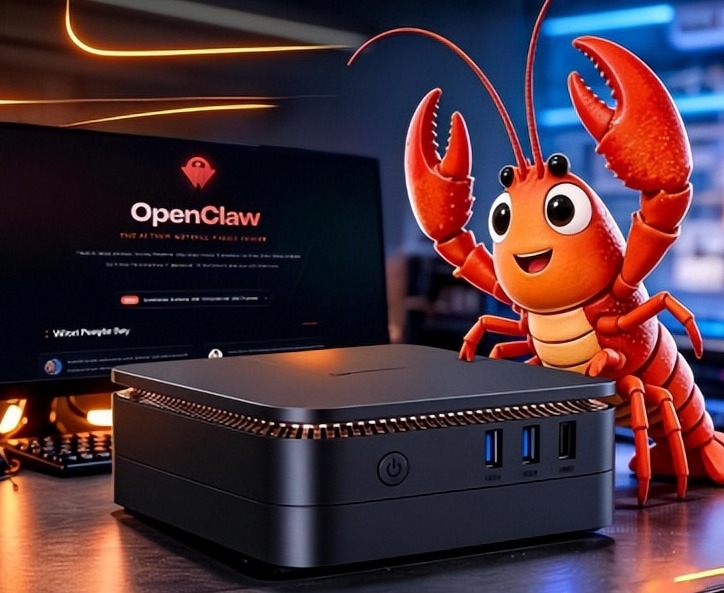
What AI Mini PC Do You Need for Private Local LLM Deployment?
Learn what AI mini PC specs you need for private deployment of local LLMs: memory, NPU, storage, offline capability, and configuration recommendations for 7B–70B models.
Adreamer

© 2012-2025 Copyright Shenzhen Adreamer Technology Co., Ltd.粤ICP备18115621号-2
Contact Adreamer Today for Your Custom Solution & Quote!
© 2012-2025 Copyright Shenzhen Adreamer Technology Co., Ltd.粤ICP备18115621号-2













