
Get in Touch
Your Trusted Manufacturer of Laptops & Tablets

WhatsApp Us Directly
+86 13923410269
Email Us
Get in Touch
Your Trusted Manufacturer of Laptops & Tablets

Gone are the days when portable monitors were just a niche accessory. In 2025, they have evolved into an essential tool for boosting productivity and enhancing entertainment. Whether you're extending your laptop screen for efficient multitasking or giving your gaming console or phone a massive display upgrade, a high-quality portable monitor can fundamentally transform how you work and play.
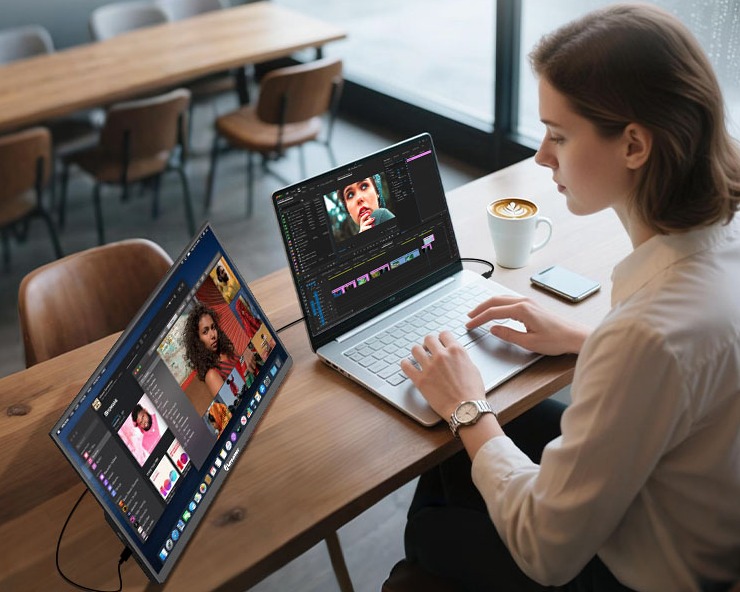
(Image source: Huayi Chuangxiang)
But a crowded market brings challenges: endless brands, complex specs, and products that often fail to deliver on their big promises. This guide cuts through the noise. Based on our hands-on testing and evaluation of 2025's top models, we give you data-driven recommendations for the best portable monitors worth your money and clearly identify the models you should avoid, saving you hours of research.
The core value of a portable monitor lies in its ultimate flexibility and powerful functionality. Imagine these scenarios:
New 2025 technologies like more widespread wireless connectivity, energy-efficient Mini-LED backlights, and higher refresh rate OLED panels have made portable monitors better than ever. However, common pain points persist:
Our testing addresses these issues head-on. Our review criteria strictly focus on Display Quality, Connectivity, Portability, Battery Life (if applicable), and User Experience. Every recommendation and warning is based on real-world data.
After rigorously testing dozens of 2025 models, these five portable monitors stand out as the best in their respective categories.

(Image source:ASUS ZenScreen)

(Image source:LG UltraFine)

(Image source:Dell)

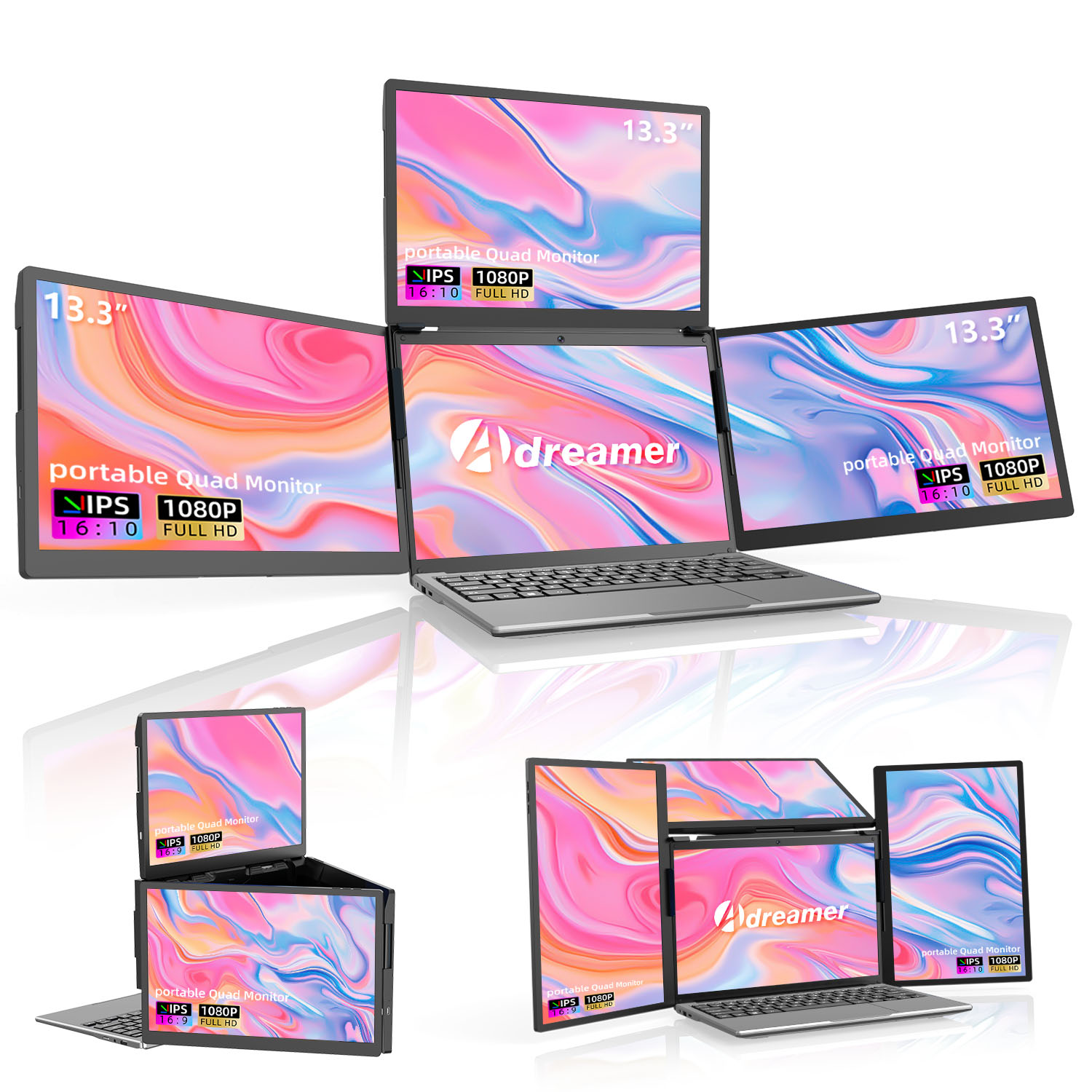
During our testing, these models showed significant flaws. We strongly advise you to steer clear.
Red Flag Summary: Always prioritize reputable brands with reliable customer support. Before buying, watch independent reviews and read critical user feedback on e-commerce sites to uncover a product's true weaknesses.

Q1: Can I connect a portable monitor to my phone?
A: Yes! Most modern Android phones with a USB-C port support video output. Simply connect with a USB-C cable to mirror your phone's display. Some monitors also support wireless screen mirroring.
Q2: Do I need to install drivers for a portable monitor?
A: Usually, no. Windows, macOS, and ChromeOS typically recognize portable monitors instantly ('plug and play'). For advanced features like touch support, you may need to download specific drivers from the manufacturer's website.
Q3: Is a built-in battery worth it?
A: It depends. If you frequently work on planes, trains, or in coffee shops without easy power access, it's essential. If the monitor will mostly sit on your desk as a second screen, a no-battery model is lighter and more cost-effective.
Q4: Is a high refresh rate (e.g., 120Hz) useful for office work?
A: Absolutely. A higher refresh rate makes every mouse movement, scroll, and window drag incredibly smooth, which can significantly reduce eye strain during long work sessions. It's a quality-of-life upgrade.
Q5: How can I check my new portable monitor for dead pixels?
A: Search online for 'dead pixel test' websites. These tools will display full-screen solid colors (red, green, blue, black, white), allowing you to easily spot any stuck or dead pixels.
Industry-Specific Solutions
Latest Blog

AI Compute Box Bulk Procurement: 3C, CE, FCC Certification Guide
Learn the key certification requirements for bulk buying AI compute boxes. Covers 3C, CE, FCC compliance, common pitfalls, and how to verify certificates to avoid legal risks.

RK3588 vs N100: Which Is Better for Local LLM Deployment?
Compare RK3588 and N100 for running local LLMs. See real-world token speeds, power, memory, software support, and which chip fits your AI workload.

Edge AI Box vs Cloud Server:Which Is Cheaper Long-Term?
A detailed TCO comparison of edge AI boxes and cloud servers. Covers hardware, bandwidth, power, and O&M costs, with break-even analysis and a decision checklist.
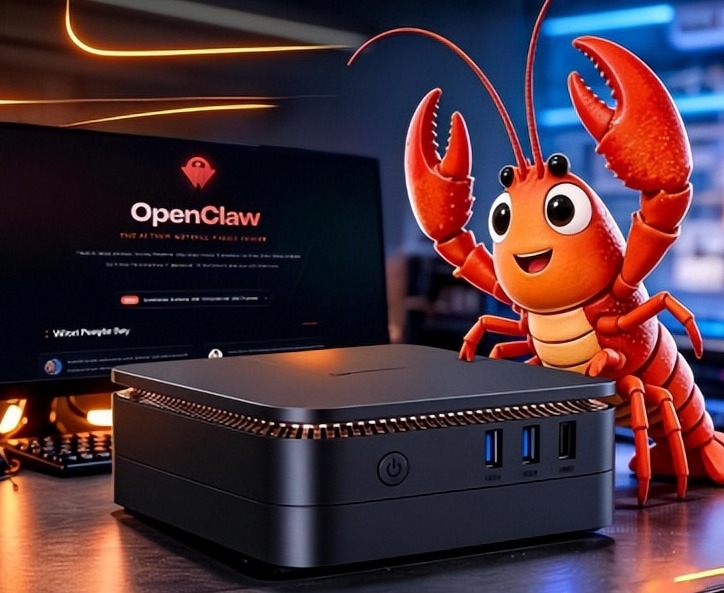
What AI Mini PC Do You Need for Private Local LLM Deployment?
Learn what AI mini PC specs you need for private deployment of local LLMs: memory, NPU, storage, offline capability, and configuration recommendations for 7B–70B models.
Adreamer

© 2012-2025 Copyright Shenzhen Adreamer Technology Co., Ltd.粤ICP备18115621号-2
Contact Adreamer Today for Your Custom Solution & Quote!
© 2012-2025 Copyright Shenzhen Adreamer Technology Co., Ltd.粤ICP备18115621号-2













