
Get in Touch
Your Trusted Manufacturer of Laptops & Tablets

WhatsApp Us Directly
+86 13923410269
Email Us
Get in Touch
Your Trusted Manufacturer of Laptops & Tablets

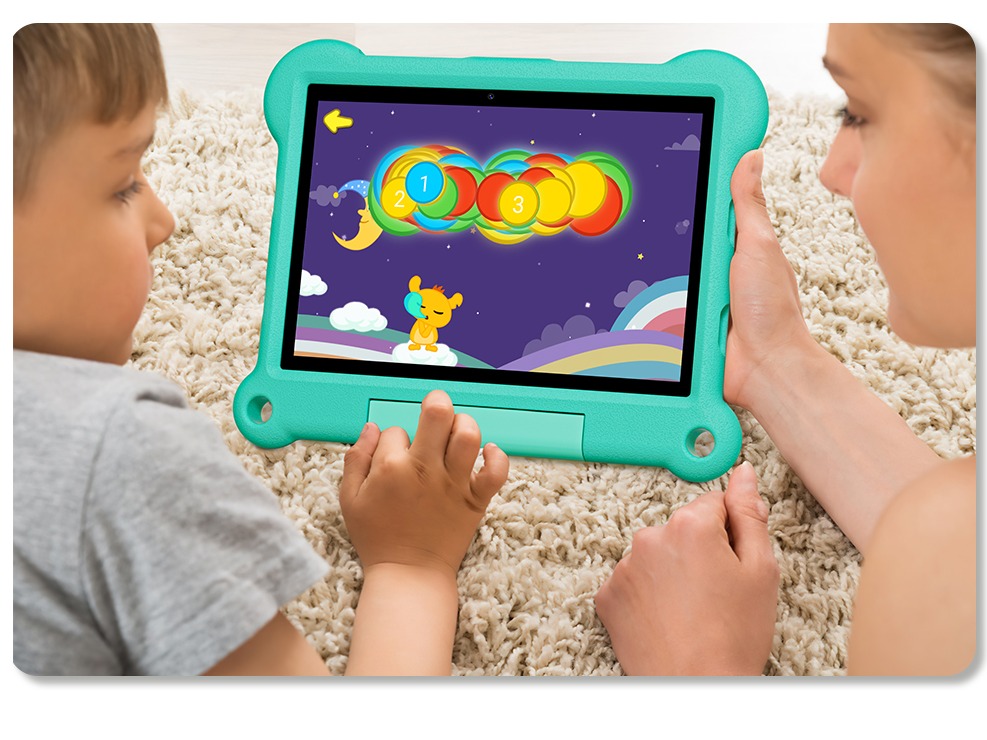
Seeing their children's eyes full of curiosity about smart devices, many parents face a dilemma: they want their children to learn through digital products, but they're also concerned about screen damage, gaming addiction, and exposure to inappropriate content. How can one choose a tablet that's truly suitable for their children? This isn't just a technical issue; it's also an educational one that concerns their healthy development.
Tablets designed specifically for children are fundamentally different from traditional tablets—they're not just hardware devices, but all-in-one learning companions that integrate high-quality educational resources, remote parental control, and multiple health protection features. Here, we'll analyze tablets suitable for children aged 7-10, recommend several selected models, and systematically outline key considerations for choosing a tablet for this age group, helping parents make informed and thoughtful choices.
Children in this age group are in a critical period of rapid cognitive development, and their tablet usage needs have distinct characteristics:
① Learning Needs:
Course Tutoring: Preparing and reviewing school curriculum
Interest Cultivation: English learning, programming introductions, and artistic creation
Knowledge Development: Science knowledge and reading skills
Thinking Development: Logical thinking and creativity
② Entertainment Needs:
Age-Appropriate Games: Educational and Puzzle Games
Creative Expression: Drawing and Music Creation Tools
Social Interaction: Safe and Controllable Social Features
③ Health Needs:
Eye Protection: Reducing Blue Light Harm and Preventing Visual Fatigue
Physical Development: Proper Sitting Posture and Avoiding Addictive Behavior
Psychological Safety: Content Filtering and Preventing Cyberbullying
④ Parental Control Needs:
Time Management: Preventing Overuse
Content Filtering: Blocking Harmful Content
Progress Monitoring: Understanding Learning Progress
Remote Management: Flexible Settings Adjustment
As a professional manufacturer of children's smart devices, Huayi Chuangxiang has launched the Kidspad 7 and Kidspad 10, tailored to the specific needs of children aged 7-10. Both hardware and software are deeply customized.
Hardware Configuration: Precisely Matched to Age Group Needs

Processor: A133 chip, Snapdragon 863 version, stable performance and low power consumption.
Memory: 3GB + 32GB, ensuring smooth system operation.
Screen: 7-inch IPS screen with eye protection, 1024×600 resolution.
Camera: 0.3MP front camera + 2.0MP rear camera, suitable for video learning.
Battery: 3100mAh, with a battery life of 6-8 hours.
Certification: Passed multiple safety certifications including ROHS, CE/FCC, and GMS.

Processor: T606 chip, supports 4G calling
Memory: 4GB + 64GB, providing more storage space
Screen: 10.1-inch IPS screen with eye protection, 800×1280 resolution
Camera: 2.0MP front camera + 5.0MP rear camera, providing clearer images
Features: Standard food-grade silicone protective case, shatter-resistant and drop-resistant
Design: Dreamy macaron colors, tailored to children's aesthetic preferences
Intelligent parental control system
Time management: Set daily usage time and time periods
App management: Remotely install/uninstall apps and control access permissions
Content filtering: Automatically block harmful content, providing a safe online environment
Usage reports: Generate detailed user behavior analysis reports
Remote settings: Parents can manage all settings with one click via the mobile app

Professional educational content system
Curriculum synchronization: Covers key elementary school subject knowledge points
Interactive learning: Fun animations and interactive exercises
Leveled reading: Recommends age-appropriate reading materials
Creative tools: Drawing, music, programming, and other creative tools
Growth record: Automatically records learning progress and achievements
Health protection design: Comprehensively protects children
Vision protection
Blue light filter: Effectively reduces harmful blue light radiation
Anti-glare design: Prevents eye irritation from reflected light
Distance reminder: Intelligently detects usage distance and automatically reminds when approaching
Break reminder: Scheduled break reminders to cultivate good habits
Physical protection
Food-grade silicone case: Non-toxic and harmless, soft and drop-resistant
Rounded corner design: Prevents injuries from sharp edges
Moderate weight: Optimized weight distribution for a comfortable grip
Compared to traditional tablets:
Operating system designed specifically for children, not simply adding parental controls
Hardware optimized for educational applications, not pursuing extreme performance
More affordable price, high value for money

Compared to similar children's tablets:
The hardware configuration is more transparent, eliminating the use of inferior components.
Timely software updates and continuous optimization of the user experience.
Rich educational resources and partnerships with multiple educational content providers.
Comprehensive after-sales service and professional technical support.
The Kidspad 7 is suitable for the following situations:
Children new to tablet devices
Primarily for short periods of study and reading
Family members who frequently travel with tablets
Families with relatively limited budgets.
The Kidspad 10 is suitable for the following situations:
Those who need a larger screen for online learning
Those who require a high-quality camera, such as for video courses
Those who need 4G network capabilities and are not dependent on Wi-Fi
Those who want a longer lifespan.
Scientifically manage screen time: To protect children's eyesight and sleep health, it is recommended to manage screen time. School-age children should limit their total daily screen time to under one hour, with no more than 20 to 30 minutes of continuous use at a time. Avoid using tablets or other electronic devices before bed to prevent blue light from disrupting their circadian rhythm and affecting sleep quality. Cultivate good usage habits: Children should maintain a correct sitting posture, keeping their eyes at least 40 cm away from the screen. Try to use tablets in well-lit environments, avoiding prolonged viewing in overly bright or dimly lit environments. It is also recommended that children take breaks after each period of use, such as looking out the window or engaging in outdoor activities, to help their eyes relax and prevent visual fatigue.
Parental Accompany and Guidance: Initially, parents should accompany their children as they use the device to help them familiarize themselves with the device's functions and proper usage. Together, they should establish reasonable usage rules, such as usage duration and content scope, to gradually cultivate self-discipline. Furthermore, parents should regularly review device usage reports to understand their children's habits and preferences, and adjust control settings promptly to ensure healthy, safe, and effective tablet use, truly supporting their learning and growth. Content Selection Recommendations: When choosing content, parents are advised to prioritize educational and creative apps to stimulate their children's interest in learning and creativity. They should also manage playtime appropriately and choose educational games to avoid becoming addicted to overly entertaining content. Furthermore, regularly updating and rotating learning resources and apps to maintain freshness and diversity will help stimulate children's curiosity and motivation to learn.
Choosing the right children's tablet is the key to unlocking the digital world for your child. The Huayi Chuangxiang Kidspad series, with its professional hardware design, rich educational content, and comprehensive parental controls, provides a safe, healthy, and beneficial digital learning environment for children aged 7-10.
As parents, we should embrace the educational innovations brought about by technological advancements while also maintaining rationality and guiding our children's use of digital products in a scientific manner. The best technology products don't replace parental responsibility for education; rather, they serve as a powerful aid in educating their children.
When choosing a children's tablet, remember: technical specifications are only the foundation. What truly matters is how technology can serve education and how it can cultivate children's digital literacy and learning abilities. The Adreamer children's tablet offers a valuable opportunity in this regard, providing parents with an option worthy of consideration.
Let's empower education with technology, not replace it; let products promote growth, not control it. This is the true meaning of choosing a children's tablet.
Industry-Specific Solutions
Latest Blog
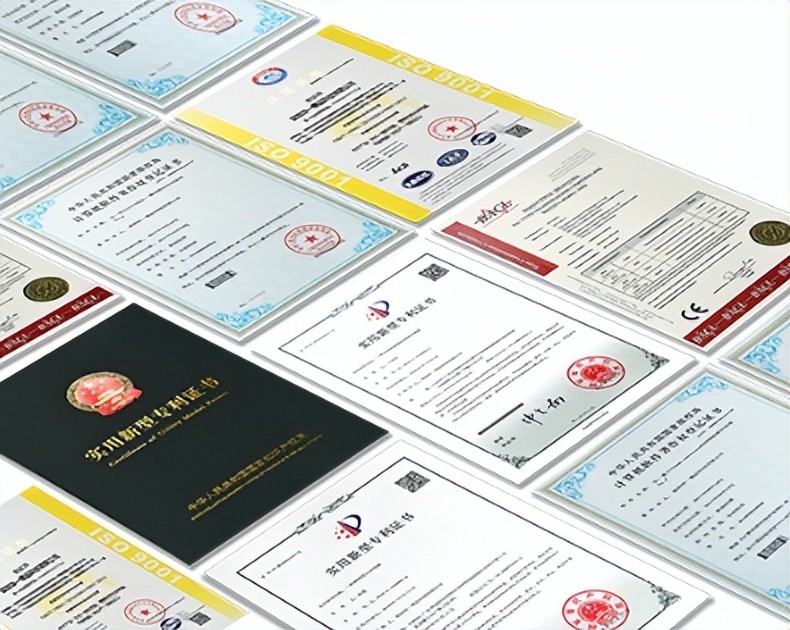
AI Compute Box Bulk Procurement: 3C, CE, FCC Certification Guide
Learn the key certification requirements for bulk buying AI compute boxes. Covers 3C, CE, FCC compliance, common pitfalls, and how to verify certificates to avoid legal risks.

RK3588 vs N100: Which Is Better for Local LLM Deployment?
Compare RK3588 and N100 for running local LLMs. See real-world token speeds, power, memory, software support, and which chip fits your AI workload.

Edge AI Box vs Cloud Server:Which Is Cheaper Long-Term?
A detailed TCO comparison of edge AI boxes and cloud servers. Covers hardware, bandwidth, power, and O&M costs, with break-even analysis and a decision checklist.
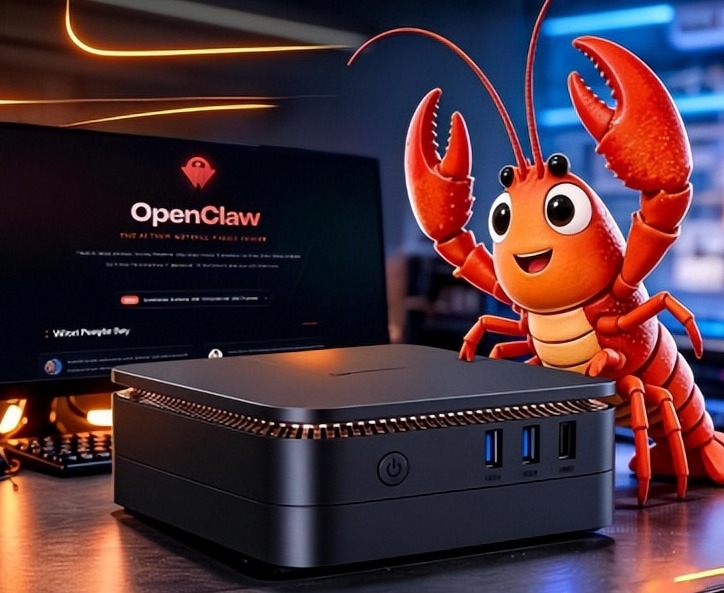
What AI Mini PC Do You Need for Private Local LLM Deployment?
Learn what AI mini PC specs you need for private deployment of local LLMs: memory, NPU, storage, offline capability, and configuration recommendations for 7B–70B models.
Adreamer

© 2012-2025 Copyright Shenzhen Adreamer Technology Co., Ltd.粤ICP备18115621号-2
Contact Adreamer Today for Your Custom Solution & Quote!
© 2012-2025 Copyright Shenzhen Adreamer Technology Co., Ltd.粤ICP备18115621号-2













