
Get in Touch
Your Trusted Manufacturer of Laptops & Tablets

WhatsApp Us Directly
+86 13923410269
Email Us
Get in Touch
Your Trusted Manufacturer of Laptops & Tablets

In an era when smartphones and laptops are competing for users' attention, tablets have quietly carved out their own 'survival soil' with their unique form and more flexible user experience. Not only has it not been marginalized, but it has emerged in many fields and has become an indispensable part of many users' lives. So the question is: In what scenarios do the common tablets on the market show their talents and play an important role? Let's take a look at the following content.
Content consumption: The high-definition large screen is an ideal choice for chasing dramas, watching movies, reading e-books or magazines, browsing social media and web pages.
Mobile games: Touch interaction combined with a wide field of view provides players with a more immersive gaming experience than mobile phones.
Home control center: As the core of the smart home, it integrates functions such as smart home control, family album display, video calls, recipes, and children's education and entertainment.
Lightweight creation: With a stylus, you can easily carry out creative activities such as painting, photo editing, simple video editing, and even music creation.
K-12 e-classroom: supports interactive teaching materials, online homework submission, quizzes and various educational applications, and promotes the development of classroom interaction and personalized learning paths.
Higher education and professional training: Tablets are suitable for reading electronic documents, taking notes, preparing presentations, online course learning, and simulated experimental operations.
Distance and lifelong learning: convenient access to MOOCs (massive open online courses), knowledge payment platforms and language learning apps, breaking the boundaries of time and space, and learning new knowledge anytime, anywhere.
Mobile office: processing emails, reviewing or editing documents, executing electronic signatures, participating in video conferences, and accessing CRM/ERP systems.
Presentation and collaboration: used for product display, program explanation, and supports multiple people to collaborate on editing documents or using whiteboard applications at the same time.
Field and field service: provides engineers, sales staff and inspectors with information query, data entry, report generation and customer communication convenience.
Digital painting and illustration: For digital artists, professional tablets plus precise stylus are undoubtedly their core creative tools.
Graphic and UI/UX design: From sketching to prototyping, to interface preview and customer presentation, tablets have demonstrated their powerful functions.
Photography and video post-production: It can be used for image screening, color adjustment and simple editing, which is very suitable for mobile post-production.
Healthcare: Doctors can quickly access electronic medical records, implement bedside care, view medical images and conduct remote consultations through tablets.
Retail and catering: In the retail industry, tablets are often used as POS cash registers, inventory management tools, electronic menus and order tracking devices; in the catering industry, they help improve customer service efficiency.
Logistics and warehousing: Assist in package sorting and tracking, inventory counting, route navigation and receipt management.
Industrial manufacturing: Tablets can be seen in key links such as production line monitoring, equipment maintenance guidance, quality management and data collection.
Field service and inspection: Various tasks including equipment maintenance, facility inspection, meter reading and work order management can be completed efficiently.
Hotels and tourism: front desk registration, room service management, information query and guided tours make the customer experience more convenient and comfortable.
Therefore, it is not difficult to see that the application of tablets is becoming more and more widespread - whether you want to chase dramas and play games in your spare time, or need to handle tasks efficiently at work, it can be your effective assistant. I hope that through today's sharing, you can have a more comprehensive understanding of tablets, and find the most suitable way to use them according to your needs. Don't treat it as a 'large mobile phone screen' anymore. If you use it reasonably, it is entirely possible that it will become your best partner in life and work.
Industry-Specific Solutions
Latest Blog

Edge AI Box vs Cloud Server:Which Is Cheaper Long-Term?
A detailed TCO comparison of edge AI boxes and cloud servers. Covers hardware, bandwidth, power, and O&M costs, with break-even analysis and a decision checklist.
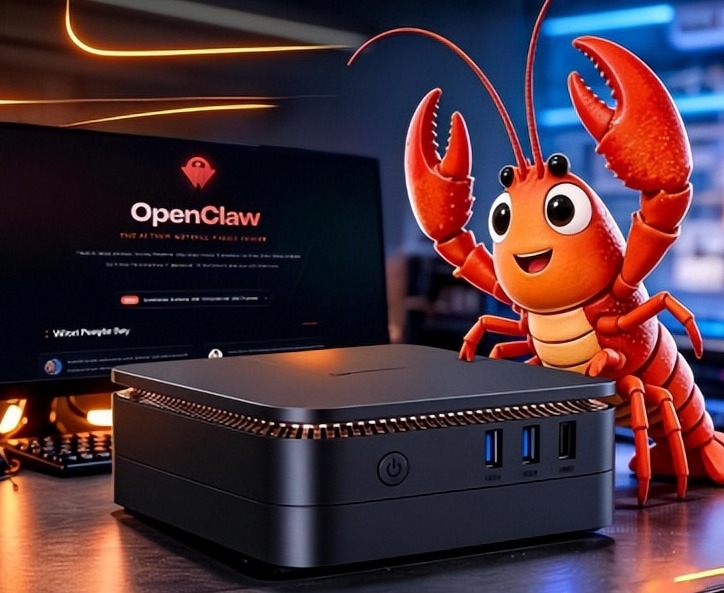
What AI Mini PC Do You Need for Private Local LLM Deployment?
Learn what AI mini PC specs you need for private deployment of local LLMs: memory, NPU, storage, offline capability, and configuration recommendations for 7B–70B models.

How to Choose an Edge Computing Box Manufacturer: ODM/OEM Guide
Learn how to evaluate edge computing box manufacturers. Compare source factories, ODM/OEM models, MOQ, certifications, and customization to find the right partner.
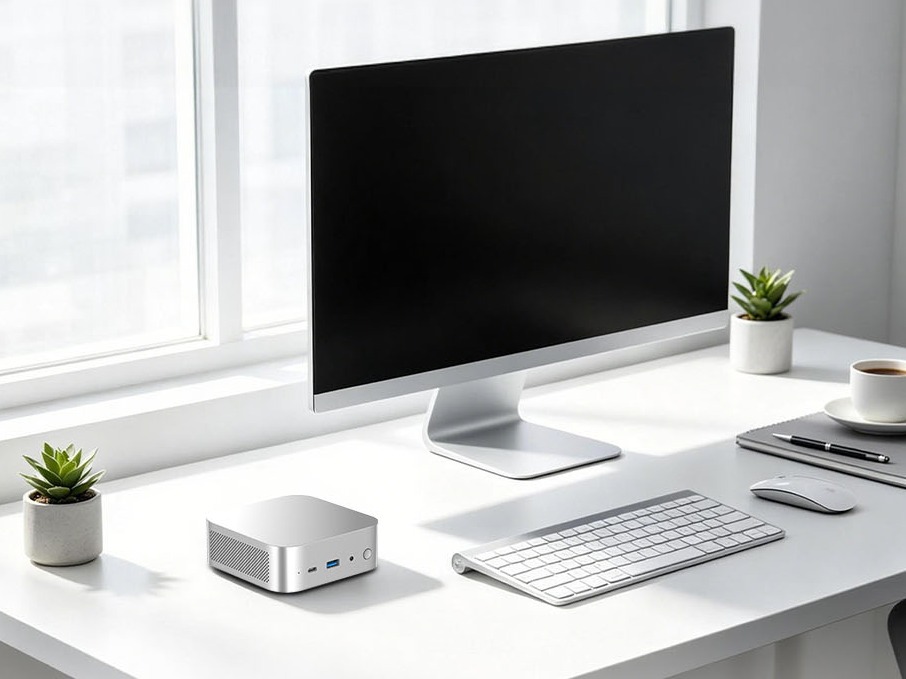
How to Choose an AI Mini PC in 2026: NPU & Memory Buying Guide
A practical guide to choosing an AI mini PC in 2026. Learn how to match NPU TOPS, memory capacity, and bandwidth to your workload, avoid common pitfalls, and pick the right configuration.
Adreamer

© 2012-2025 Copyright Shenzhen Adreamer Technology Co., Ltd.粤ICP备18115621号-2
Contact Adreamer Today for Your Custom Solution & Quote!
© 2012-2025 Copyright Shenzhen Adreamer Technology Co., Ltd.粤ICP备18115621号-2













